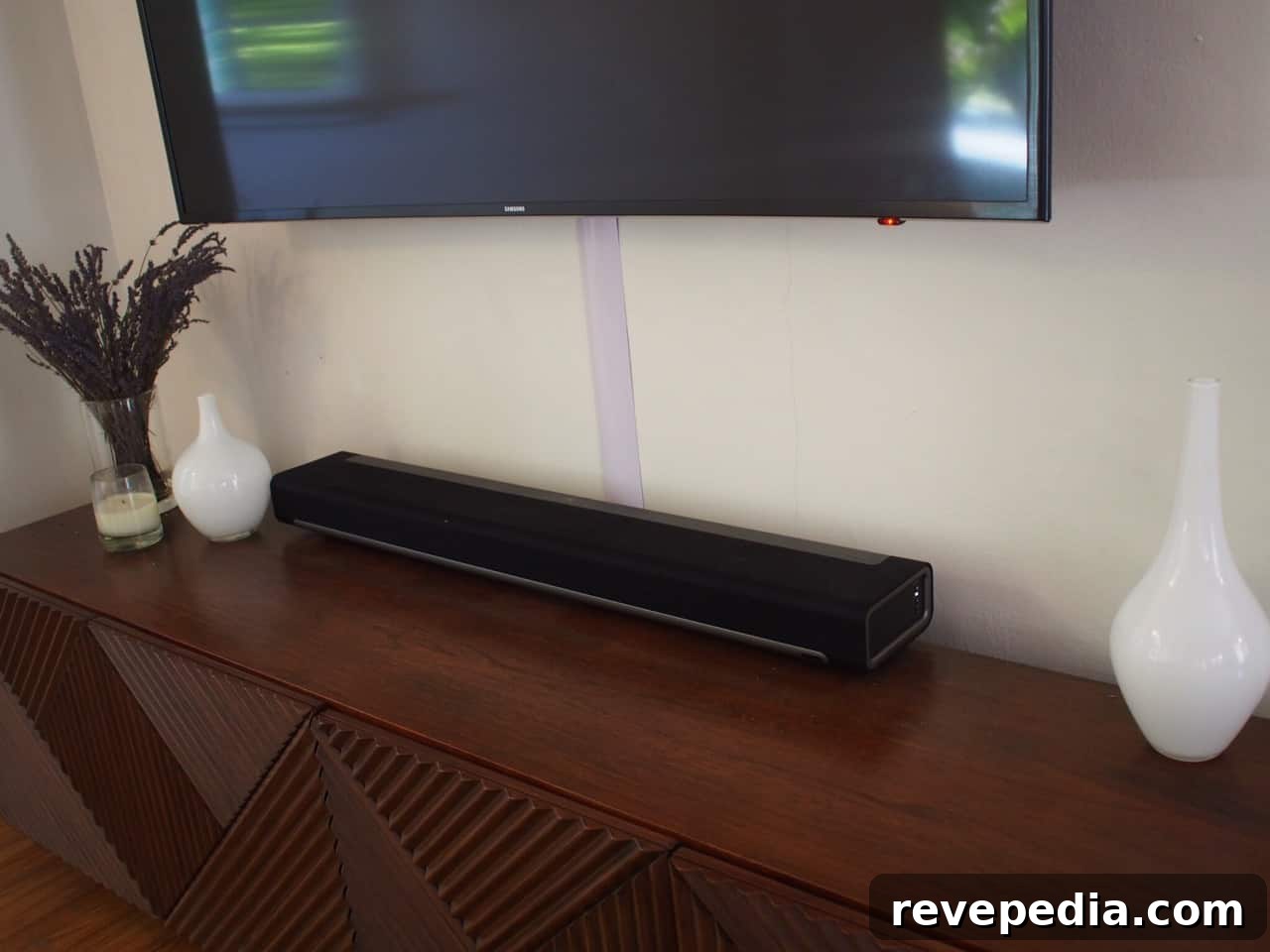
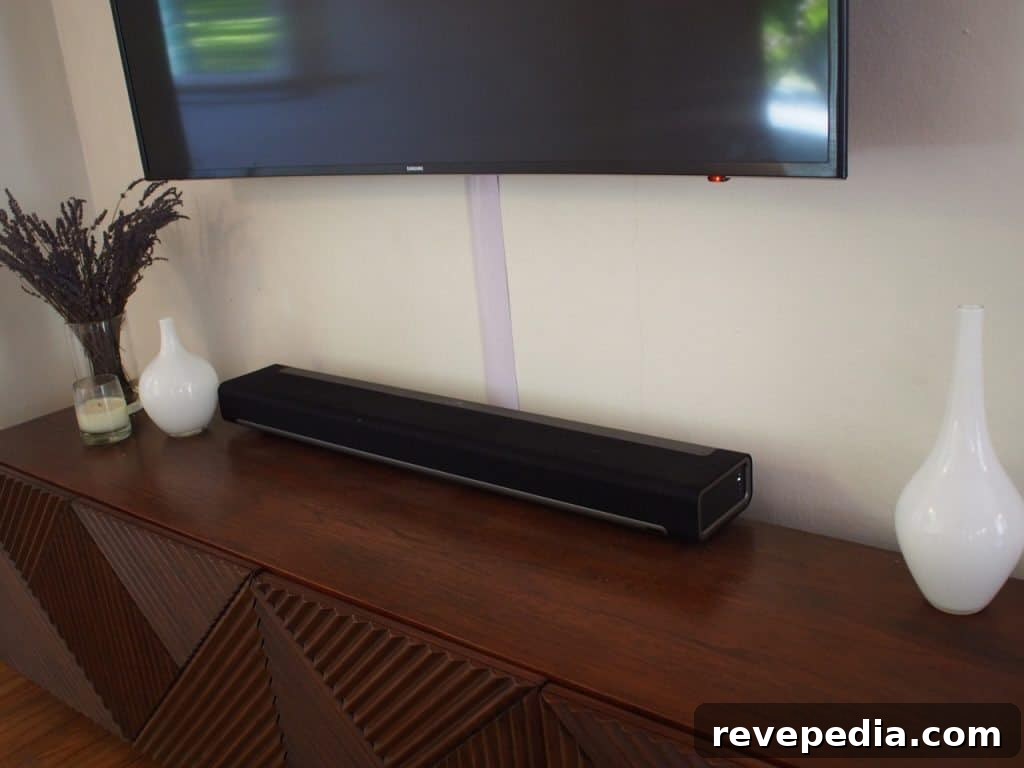
Home entertainment centers quickly become cluttered with cables running from the television to a cable box, streaming player, game console, DVD player, or soundbar. The simplest and most attractive way to conceal these unsightly cords is to use a cable tunnel system.
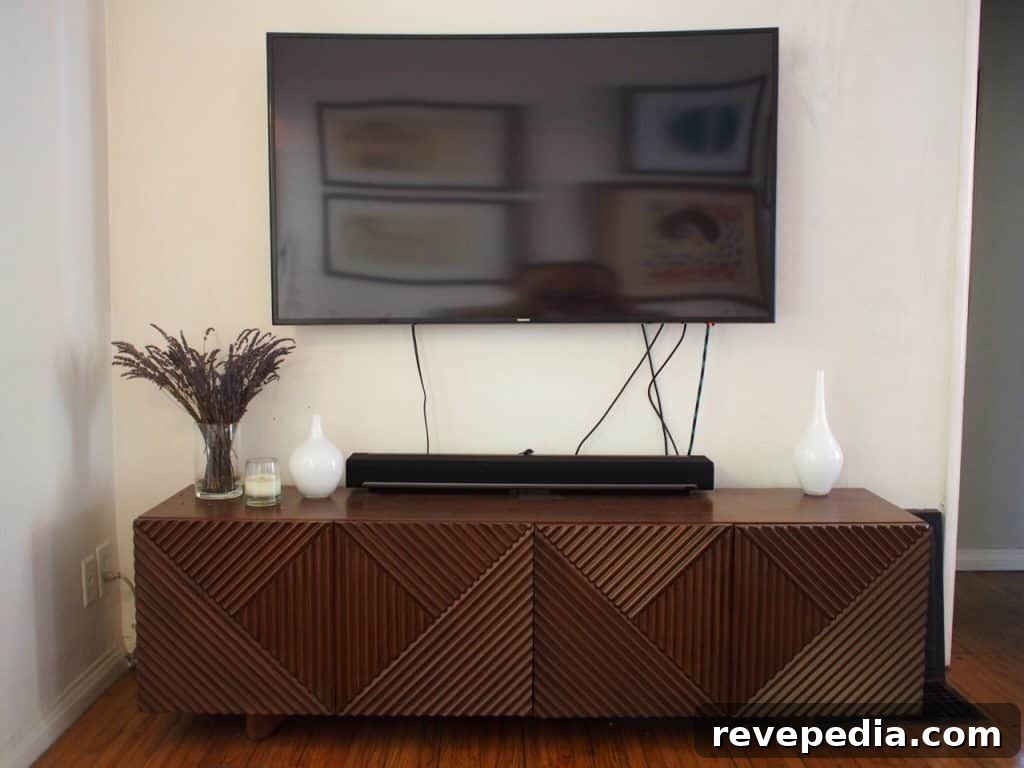
We recently mounted a Samsung curved LED TV using a SANUS wall mount specifically designed for curved screens. The installation itself went smoothly, and our initial plan was to run all cables inside the wall. However, the wall turned out to be load-bearing with many studs blocking a clear path, and we didn’t want to cut multiple holes to snake the wiring. Leaving the cables exposed wasn’t an option either. The practical alternative was a SANUS cable management system.
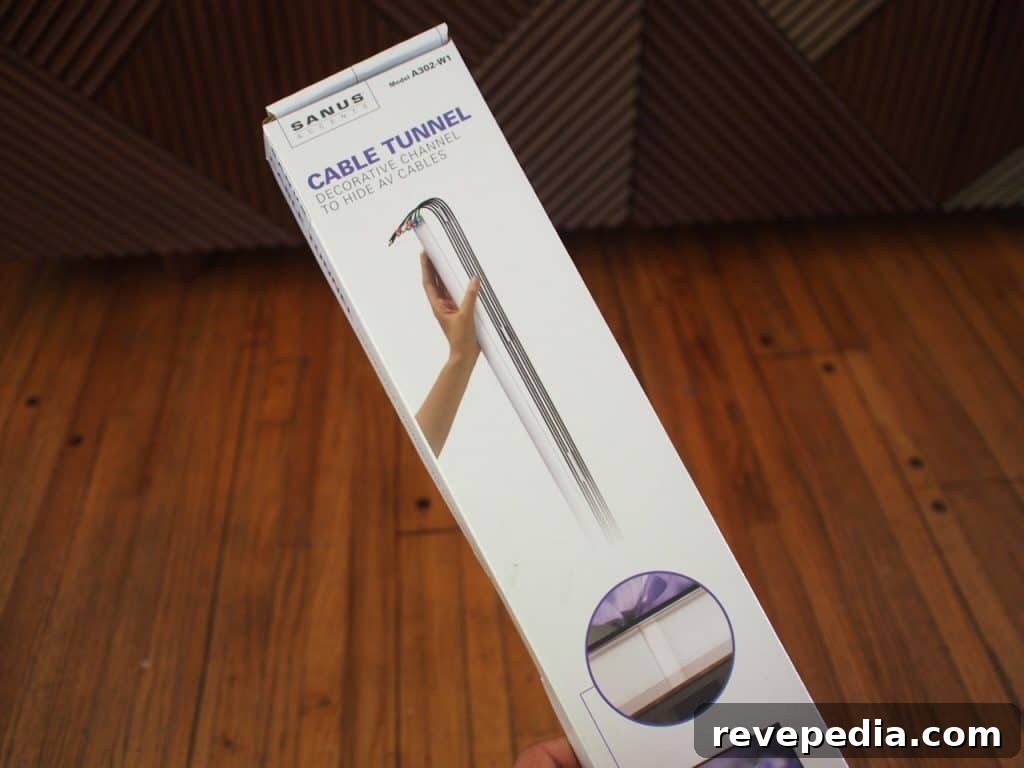
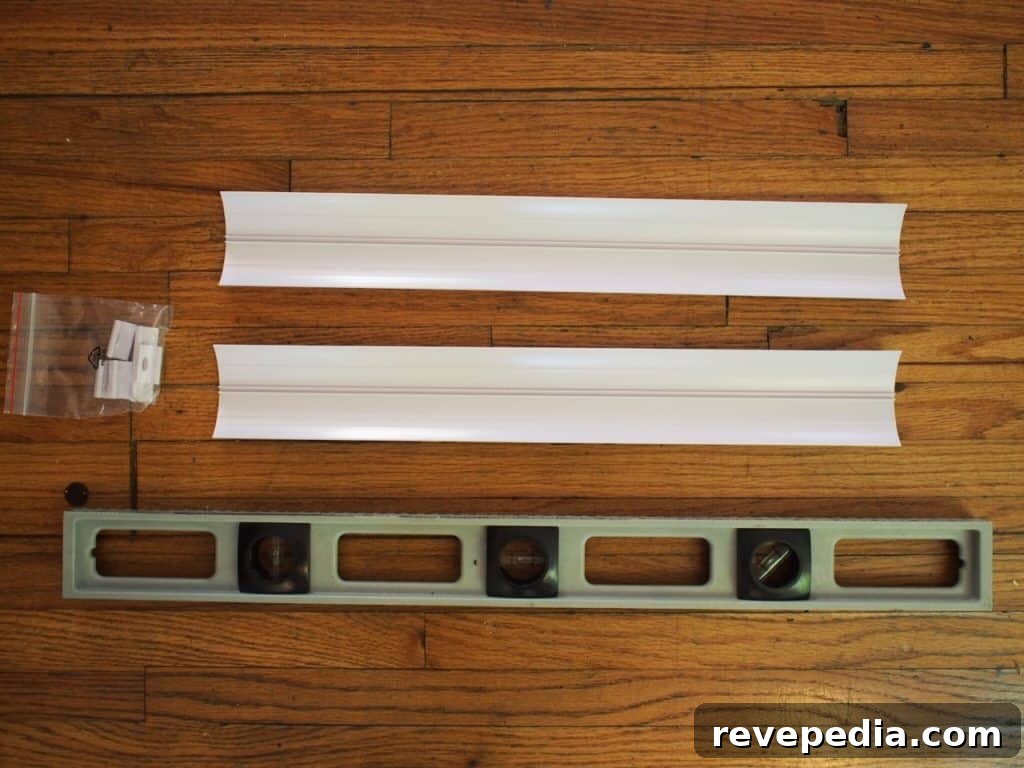
The SANUS cable tunnel uses a series of wall-mounted clips that hold a plastic channel capable of accommodating up to eight cables. The channel is easily cut to the correct length and can be painted to match the wall for a seamless look.
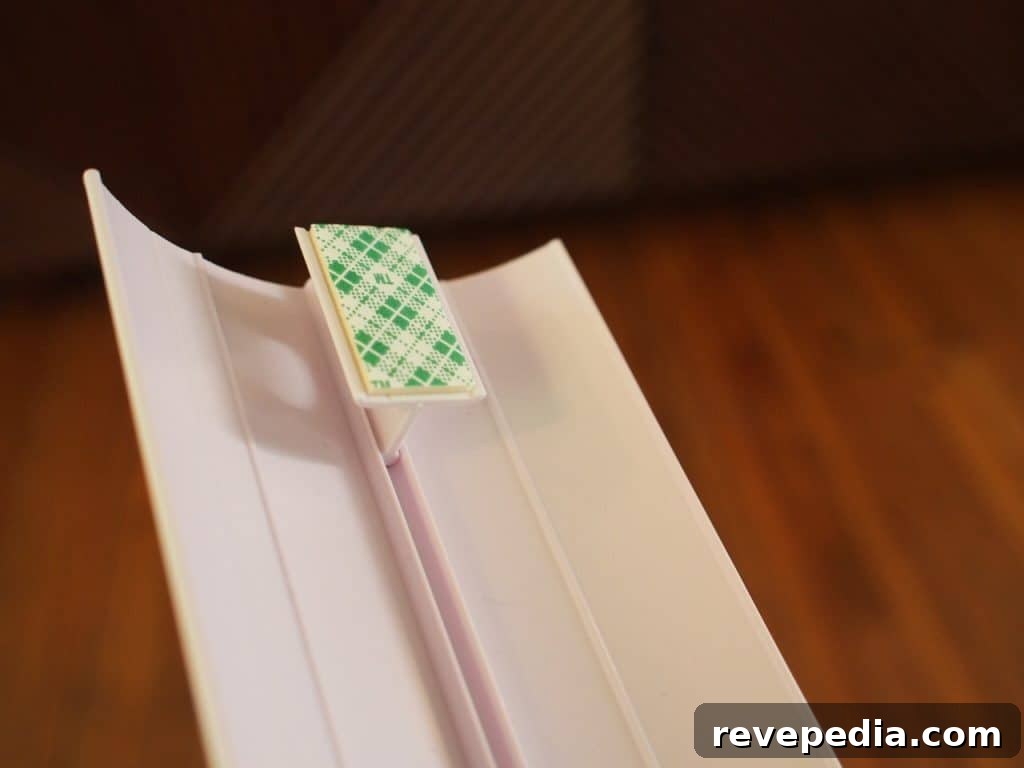
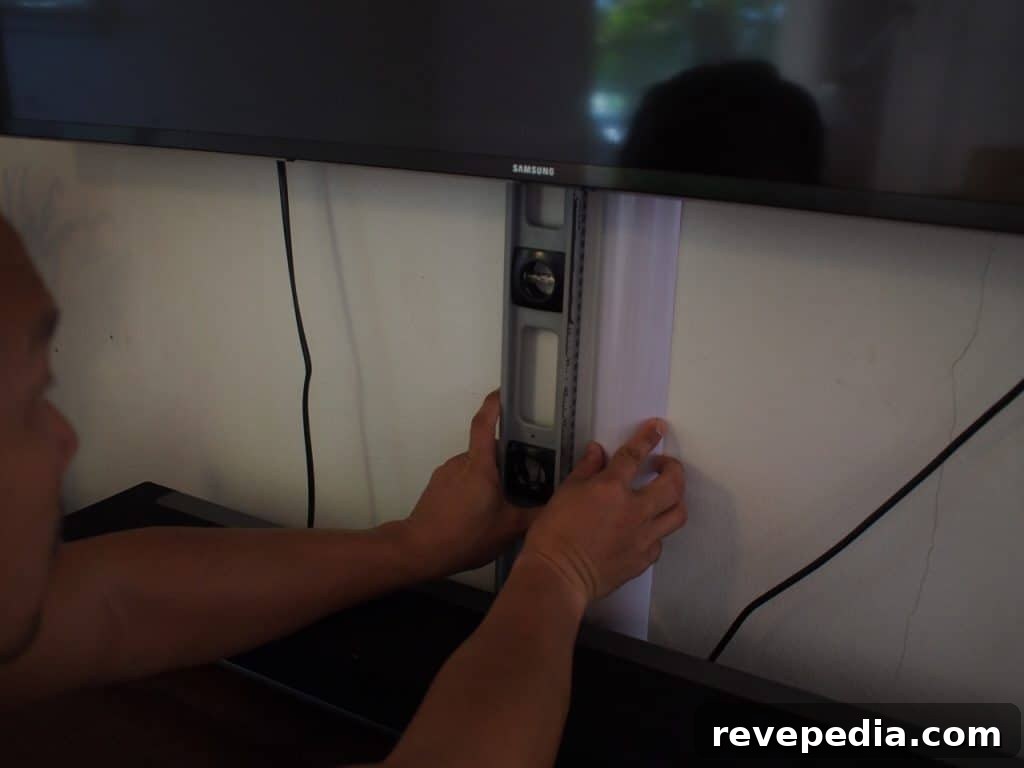
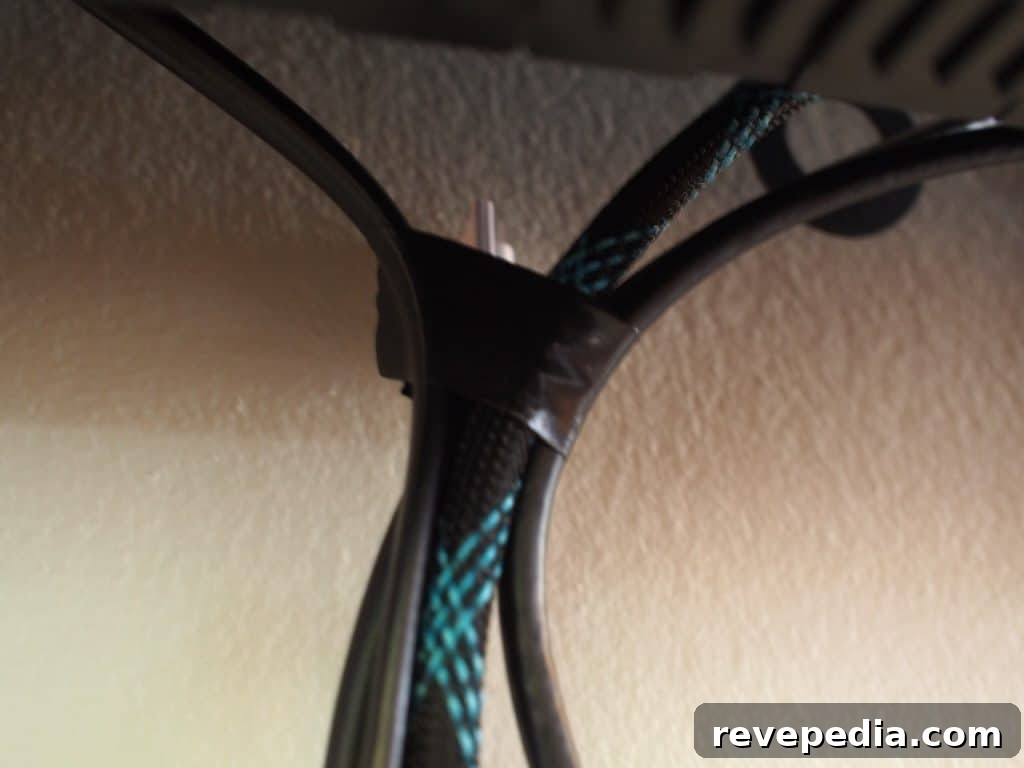
Installing the cable tunnel took under 10 minutes. We only used a spirit level to ensure the channel was vertically aligned. After attaching the clips to the wall, we removed the tunnel and taped the ends of the cables so they would feed smoothly into the channel. Then we snapped the tunnel back onto the clips—problem solved: the cables disappeared from view.
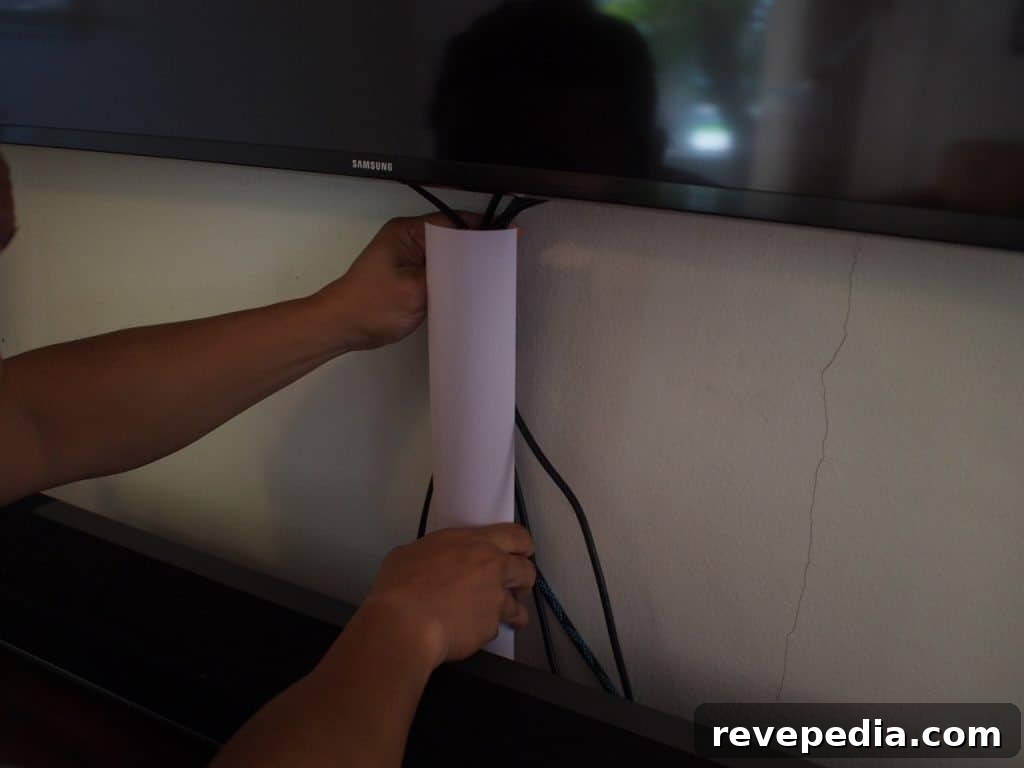
We opted not to paint our tunnel so the finished result is visible in the photos. If you prefer a perfectly matched look, painting is straightforward: paint the channel before attaching it to the clips, wait about 20 minutes for the paint to dry, and then complete the installation as described.
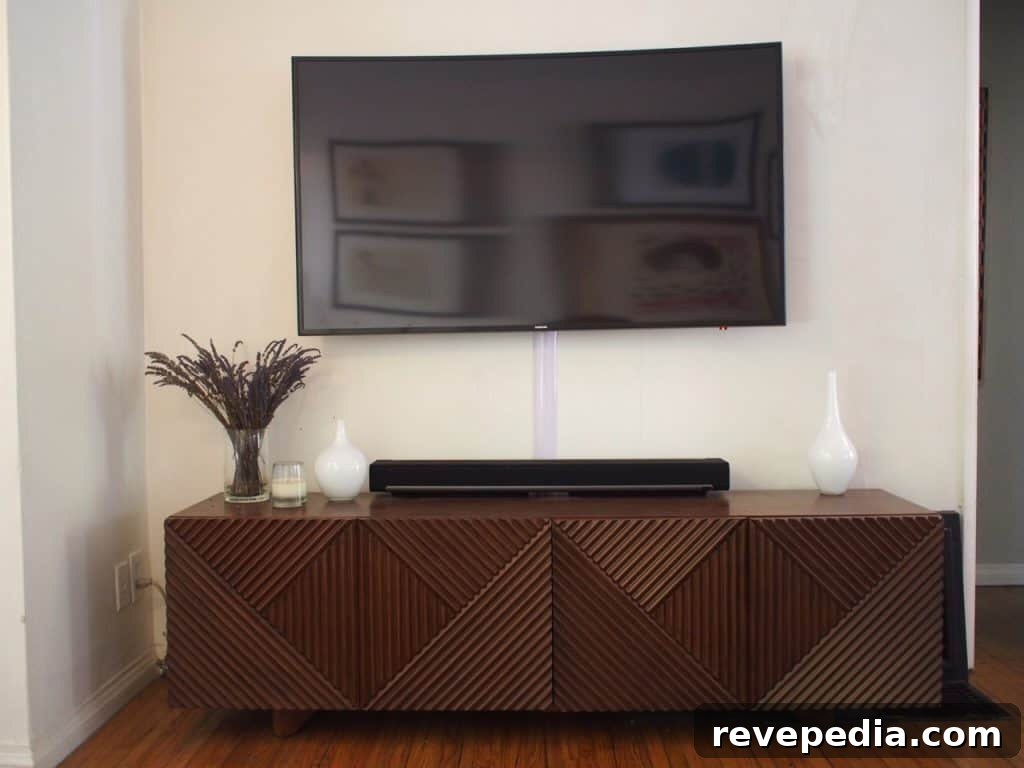
This project kept the installation clean without cutting into a load-bearing wall and delivered a tidy, professional appearance. The SANUS cable tunnel is a simple, effective solution for hiding multiple cords while keeping them accessible for maintenance or future changes.
This post was sponsored by SANUS; all opinions are my own.