Home security has always been a priority for us, and it became even more important after we became parents. A few months ago, several neighbors were burglarized during the day, which showed how bold thieves can be. After receiving the next-generation Iris home automation and security system from Lowe’s, we were eager to install it and make our home safer.
Where to Install
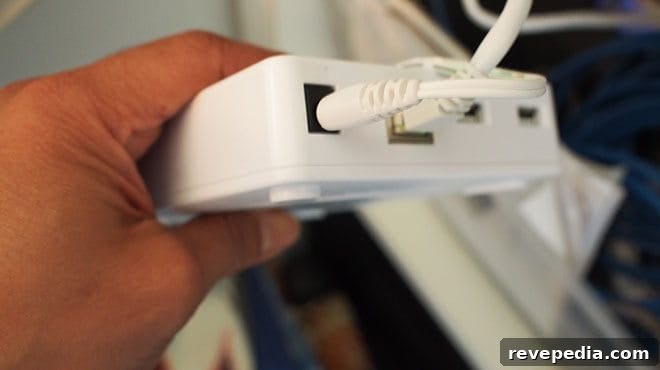
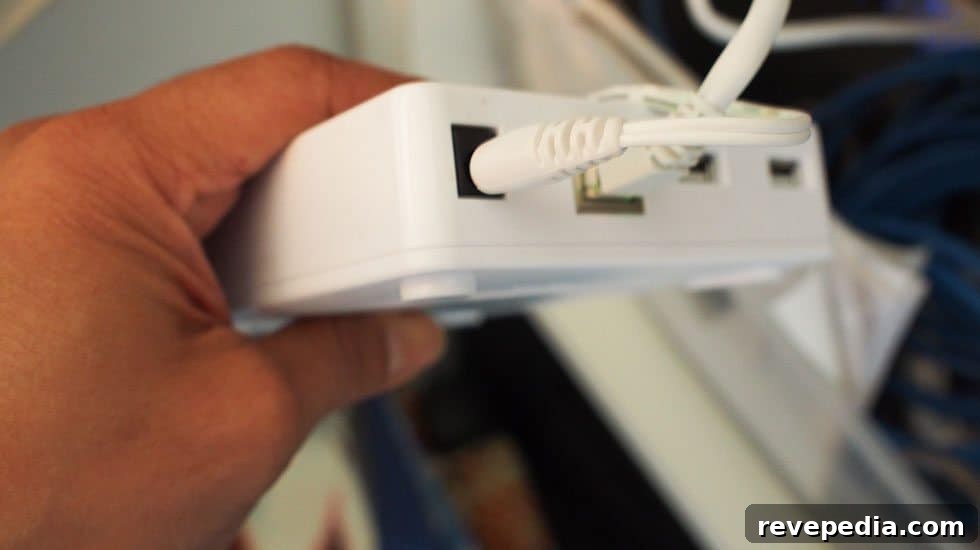
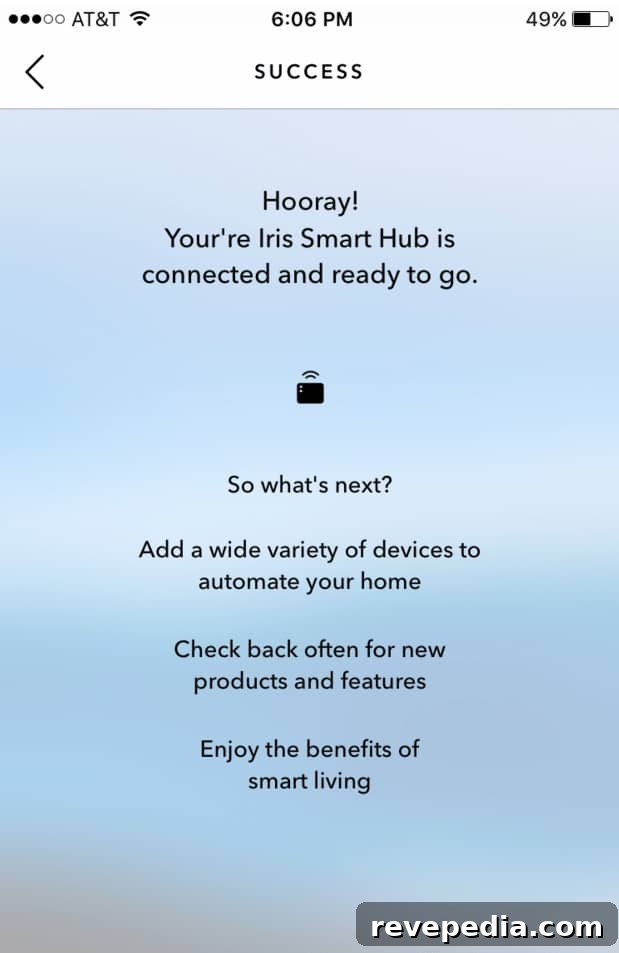
The Iris hub must be connected directly to your wireless router. The installation itself is simple—just follow the four steps provided in the setup instructions in the correct order to ensure a smooth connection.
When deciding where to place door and window sensors, motion detectors, and the smart plug, we tried to think like an intruder. Our house has several possible entry points, but the most vulnerable spots are the doors and windows that aren’t visible from the street. Those hidden areas are the most likely targets for a break-in.

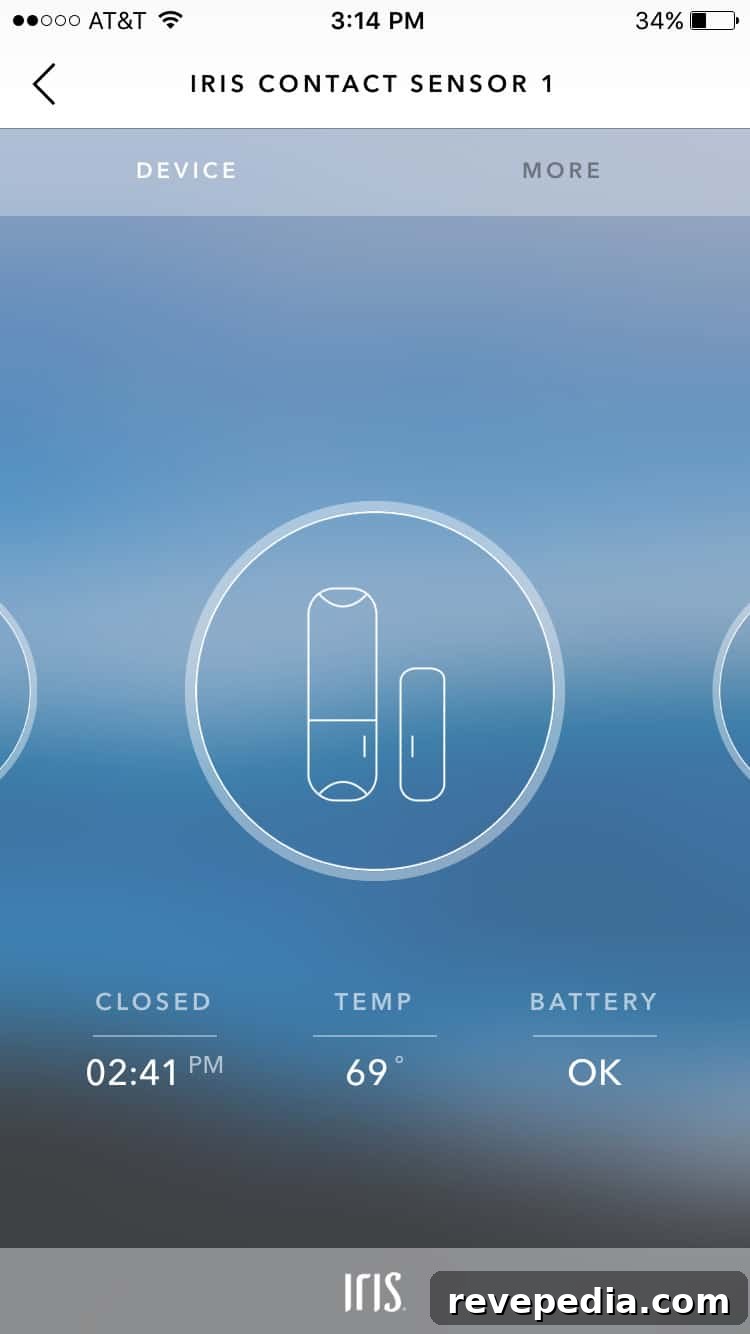
We chose to install a motion sensor in the dining area, which has two windows and serves as a main thoroughfare through our home. Anyone moving through the house is certain to pass this way. The front door already had a first-generation Iris sensor, and because the new Iris hub is backwards compatible, we could link the existing sensor to the updated system without buying new hardware. We also plan to add window sensors to our bathroom and bedroom windows on the side of the house—those spots are hidden from view and would be top targets for intruders.
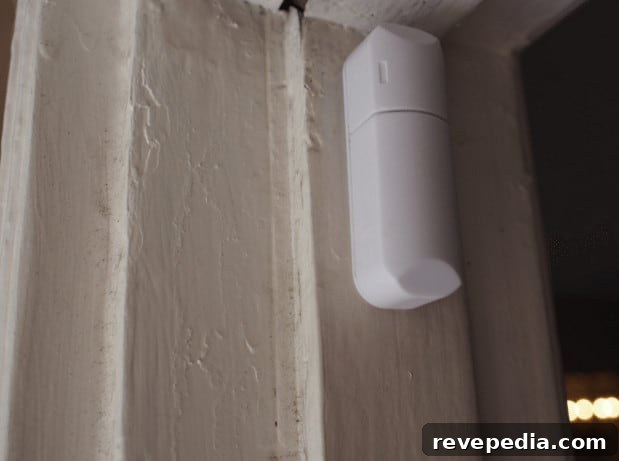
We placed another motion sensor near the main back door. While that door is less likely to be forced open, the sensor lets us monitor activity at home and while away. We also installed sensors in our home office because we store valuable computer equipment and business items there. A pleasant surprise: the door and window sensors report temperature as well, which can be useful when integrated with a smart thermostat.

We had a plug-in timer on a living room lamp that was tucked behind a large mirror, making it awkward to reach whenever we needed to adjust it. By using the automated plug, we can now control that lamp’s schedule from our smartphones, eliminating the hassle of manually setting the timer.

Living with Iris
Although we’ve only used the system for a few days, it’s already clear that it brings convenience and peace of mind. The Iris ecosystem supports more than 75 compatible devices and integrates with major smart-home standards like ZigBee, Z-Wave, and AllJoyn, which simplifies building a comprehensive, connected setup. That broad compatibility makes the Iris platform an attractive choice—if you already own compatible devices, you can usually integrate them with the Iris system rather than replacing them.
We’ll publish a follow-up after we’ve lived with Iris for several weeks. We’re heading out of town for a few days and feel reassured knowing the system is monitoring more areas of our home while we’re away.