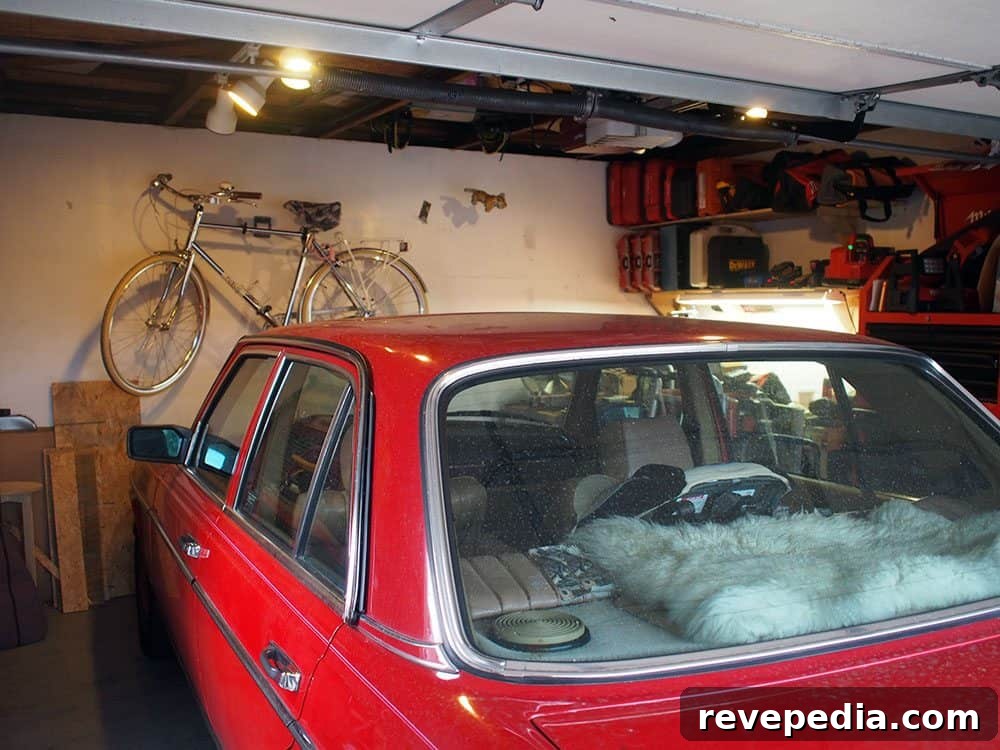
Our garage lights get used constantly—whenever we move the car in or out or use the space as a workshop. We replaced halogen bulbs with CFLs to cut energy use, but more often than not we left the lights on simply out of habit. To stop wasting energy and to avoid the monthly cost of unnecessary lighting, we installed a Lutron occupancy sensor switch. Now the lights turn on and off automatically, saving us money and the guilt of forgetting to switch them off.
A few years ago we tried a timed switch that offered 5, 10, 30, and 60 minute intervals. It prevented lights from staying on indefinitely by turning them off after the selected period, but it had limitations. Because it wasn’t sensor-driven, it would shut off mid-task and force me to stop and switch the light back on—especially annoying when working at night. Finding tools or parts in a dark garage is unsafe and interrupts workflow.
The Lutron occupancy sensor keeps lights on while it detects motion and can be set to turn off after 1, 5, 15, or 30 minutes of inactivity. It offers multiple modes: auto-on with auto-off, manual-on with auto-off, or auto-on during daylight with auto-off. Those flexible settings make the switch suitable for many rooms. Because it’s so convenient, we’re thinking of adding another sensor in the bathroom and the kitchen.
Installation
Installation is straightforward. The Lutron sensor comes with wire nuts and mounting screws, and your existing wall plate will usually fit over the new switch.
- Turn off the circuit breaker that supplies power to the switch and verify power is off with a multimeter.
- Remove the wall plate screws and take off the plate.
- Unscrew the old switch from the electrical box.
- Carefully pull the old switch out and note how the wires are connected.
- Attach the wires to the new sensor, making sure the ground is connected. The switch does not require a neutral.
- Turn the breaker back on.
- Test the switch before securing it and replacing the wall plate.
The whole job should take about 15–20 minutes and only requires a screwdriver. We’ve left some drywall repairs undone around our switch because it’s in the garage, but the new Lutron sensor makes us want to tidy up and improve the appearance.
We use the sensor with a mix of CFL and LED bulbs in our garage, and it works well with any bulb type. If you want a hands-free lighting solution that adds convenience and reduces electricity costs, a Lutron occupancy sensor switch is an effective option.
This post was written by me on behalf of LUTRON. The opinions expressed here are my own.