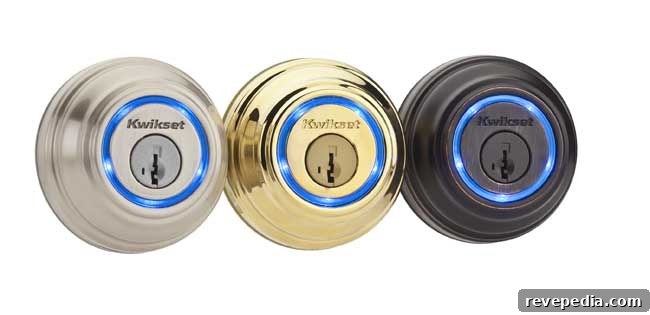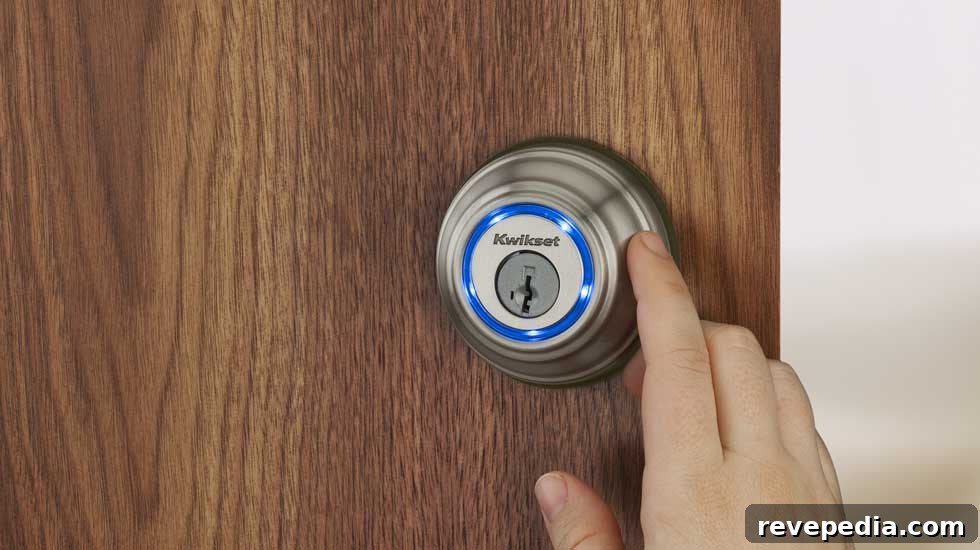
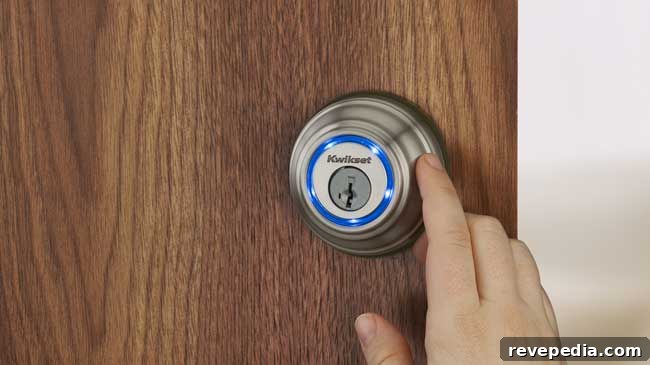
I’ve never been very lucky with traditional keys, so I was eager to try the Kwikset Kevo smart lock, which replaces a physical key with an iPhone. After using it, here’s a clear, practical look at how it performs.
Highlights: The Kevo is straightforward to install and offers the reassurance of a standard key as a backup. It benefits from Kwikset’s pick-resistant, bump-proof engineering. The included fob provides a simple alternative for anyone without a smartphone, and the system logs who unlocked the door and when.
Drawbacks: The lock’s interior appearance may not suit every taste. Occasionally the lock behaved unpredictably, and the pairing and synchronization steps could be more user-friendly.
Suitable for: Any door that accepts a deadbolt; Kevo is not offered as a handle set.
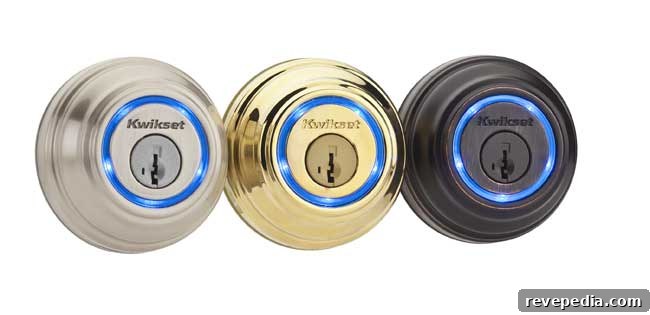
If you’ve installed a standard deadbolt before, installing Kevo should be familiar. It requires a few additional wiring steps, but they are not complicated. Once mounted, powered, and activated, the lock performs reliably. Pair it with an iPhone (current compatibility at the time of testing included Apple 4s, 5, 5c, 5s, 6 and 6 Plus) using Bluetooth, and you can lock or unlock while the phone is on your person. That convenience is especially useful when approaching the door with your hands full or when a child dashes ahead; a simple tap unlocks the door as you approach.
For family members or visitors without smartphones, the included fob functions like a digital key, working within a range of roughly two to four feet. Additional fobs can be purchased, and the lock is designed to detect whether a fob is actually in close proximity, preventing someone from using a fob left inside the house to let themselves in from outside.
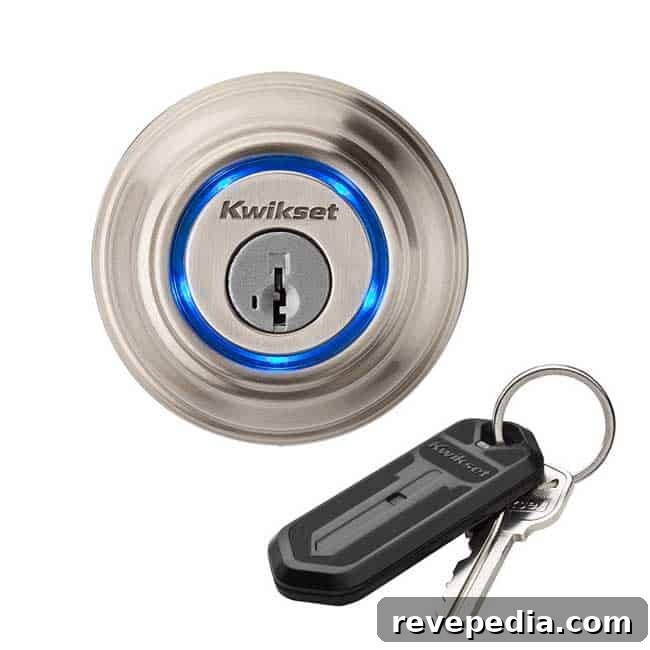
Kevo ships with two shareable digital keys that can be sent to compatible iPhones, which is handy for granting temporary or ongoing access to contractors, family or friends when you’re away. The companion app keeps a log of who used each key and when the lock was accessed.
I installed the lock on a pre-hung door leading from my kitchen to the garage. Because the door had substantial weather stripping, the deadbolt didn’t always align perfectly with the strike plate; compressing the gasket by pulling the door closed allowed the bolt to seat properly. On a few occasions, the lock extended unexpectedly when someone with a fob walked past the door. Overall, the Bluetooth pairing process works, but the printed instructions could be clearer; helpful video tutorials are available online. Note that Kevo is a Bluetooth-based smart lock and does not provide remote unlock or lock control from a computer without additional bridge hardware or services.
Conclusion: The Kwikset Kevo is a solid option for those who want to move away from traditional keys. It installs easily, provides reliable access control, and includes useful features like shareable digital keys and activity logs. If the interior styling of the lock or occasional synchronization quirks are not deal-breakers, Kevo offers a practical, keyless solution for deadbolt-equipped doors.