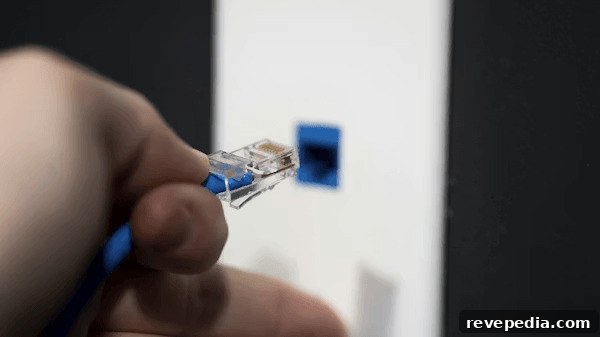
Adding a wired Ethernet connection to an existing home can dramatically improve the stability and performance of streaming, gaming, and remote work compared with relying solely on wireless signals. Many homeowners want better internet performance without tearing out drywall or undertaking major renovations.
With careful planning and the right tools, it’s entirely possible to install Ethernet cables cleanly and with minimal disruption. Understanding wall construction, existing pathways, and low-impact techniques makes the job much easier.
By following a systematic approach, homeowners can enjoy a reliable wired network with limited damage and reasonable cost.
Plan the Cable Route Before Starting
Before cutting any holes or fishing cable, map the best route from your router or network equipment to the target room. Identify where the incoming provider line and primary networking gear are located, then examine potential paths through closets, basements, attics, or along interior walls.
Careful planning helps you avoid obstacles such as plumbing, electrical runs, and insulation that could complicate installation or increase risk. Choosing the most direct and unobstructed path reduces unnecessary work and preserves the home’s structure.
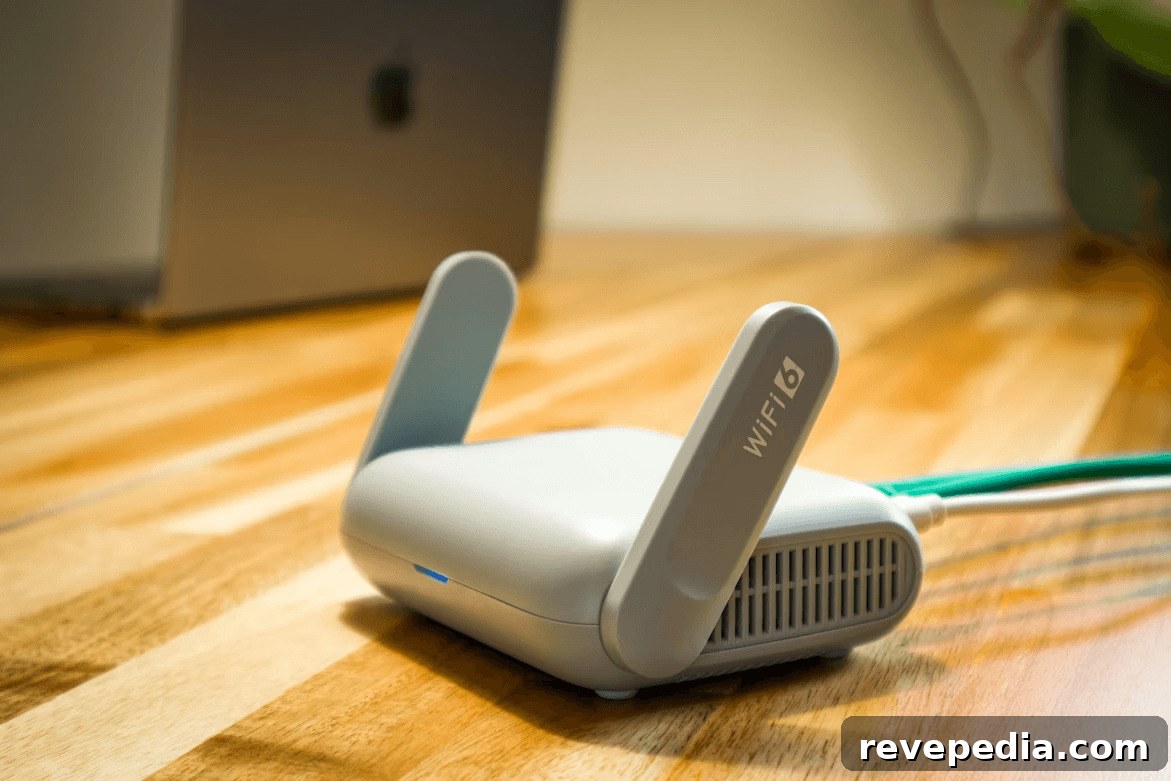
Evaluate Existing Wall Pathways
Many finished houses already include concealed routes that let you run cable with minimal disturbance. Common options include HVAC return ducts, conduit chases, gaps under baseboards, or cavities behind crown molding. In some homes, unused telephone jacks or coaxial outlets can provide access to wall cavities without new openings.
Exploring these existing channels first saves time and minimizes cutting and patching. Preserving the wall surface and reducing repairs are both practical and cost-effective.
Use Attics and Basements for Cable Runs
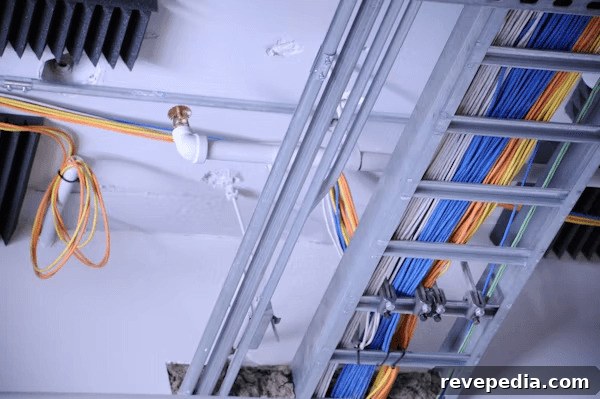
Attics and basements are often the most convenient places to route Ethernet to multiple rooms. From these spaces you can drop or pull cable through interior wall cavities with little visible impact. In multi-story homes, vertical chases and floor/ceiling cavities offer natural paths for running cable between levels.
Securing cables in these hidden spaces prevents sagging and wear over time while keeping interior walls intact and maintaining a neat aesthetic.
Create Small, Discreet Access Points
Where no existing route exists, you may need to create small access holes to pass cable between walls. Position cuts near baseboards, behind closets, or in other discreet locations to keep them out of sight. Making minimal cuts reduces the amount of patching required later.
After pulling cable, you can cover openings with wall plates or use drywall compound and paint for a seamless finish. Careful, small access points let you control the installation while preserving the room’s appearance and structural integrity.
Use Fish Tape and Proper Pulling Tools
Fish tape is one of the most effective tools for threading Ethernet through finished walls without significant damage. It lets you navigate the cavity, reach remote points, and pull cable through tight spaces. Attach the cable to the tape and pull it slowly and steadily to reduce snagging.
Good pulling techniques reduce friction and protect insulation and other materials inside the wall. With patience and proper tools, even long runs can be completed reliably and safely.
Avoid Electrical and Plumbing Hazards
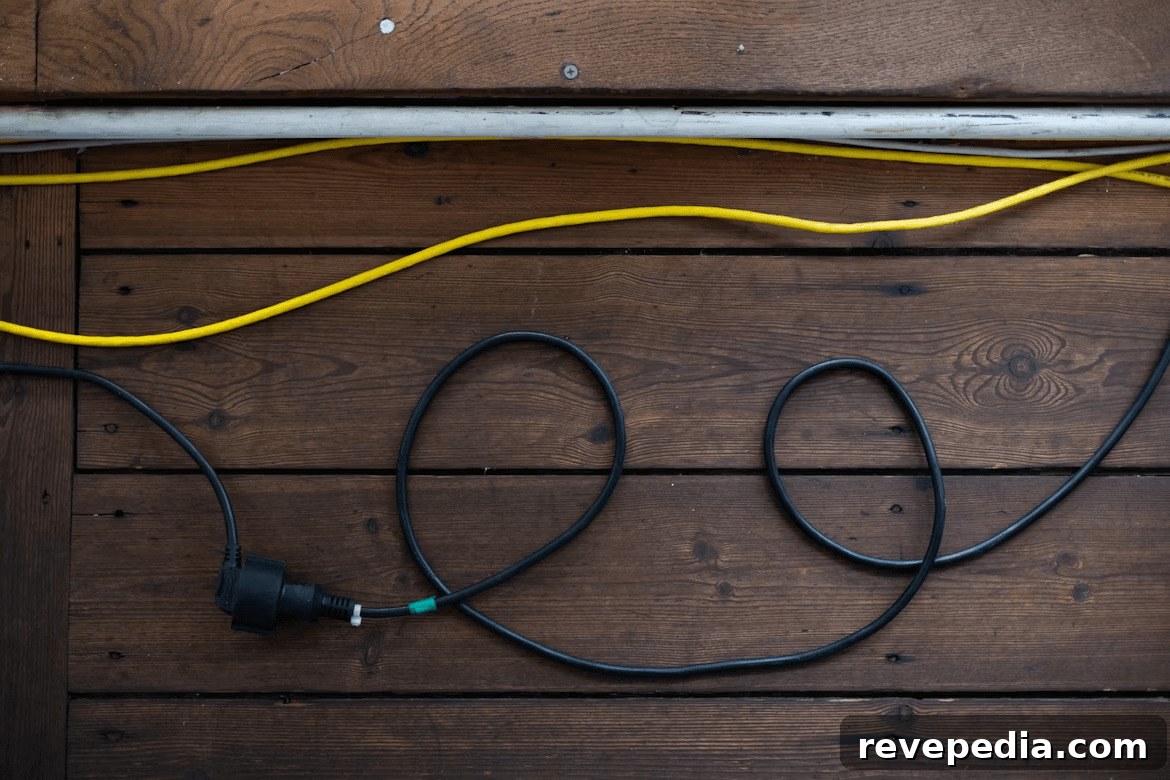
When working inside walls, avoid contact with electrical wiring and plumbing. These systems are often tight to the studs and can be dangerous if disturbed. Use a stud finder with wire detection or similar tools to locate safe drilling zones before cutting or fishing cable.
Keeping Ethernet runs separated from power lines not only improves safety but can reduce electromagnetic interference that may affect signal quality. Prioritizing these precautions protects both performance and household safety.
Conceal Cable Runs for a Clean Finish
After running the cable, focus on neat, unobtrusive finishing. Baseboard raceways, paintable cable channels, and recessed wall plates are effective ways to hide exposed segments while protecting the cable. Where visible runs are short, strategic furniture placement can also conceal them.
A clean finish improves the room’s appearance and protects the installation from accidental damage over time.
Maintain Signal Quality and Cable Integrity
Proper installation preserves network performance. Avoid tight bends, kinks, or compressing the cable inside wall cavities—gentle curves and smooth routing maintain signal strength across longer distances. Use in-wall rated Ethernet cable for safety and durability.
Selecting good-quality cable and following correct practices helps ensure high speeds and a consistent wired connection throughout the house.
Test the Connection After Installation
Once the cable is in place and secured, test the link immediately. Connect devices and measure network speed and stability to confirm the run functions as expected. Weak signals or intermittent connectivity often indicate routing problems or physical damage to the cable.

Testing before finalizing wall repairs allows you to correct issues without reopening access points. A successful test verifies the new wired connection is ready to support streaming, gaming, remote work, and other bandwidth-heavy tasks without depending on wireless coverage alone.
Final Setup and Long-Term Maintenance
After confirming operation, label cable ends, organize networking gear, and document a basic map of cable runs for future reference. Periodic inspections help ensure cables remain secure and undamaged over time. Proper labeling and documentation make future upgrades or troubleshooting quicker and easier.
With correct installation and routine maintenance, a wired network delivers more consistent performance and reliability than a wireless-only setup, making it a valuable upgrade for households seeking improved connection stability.