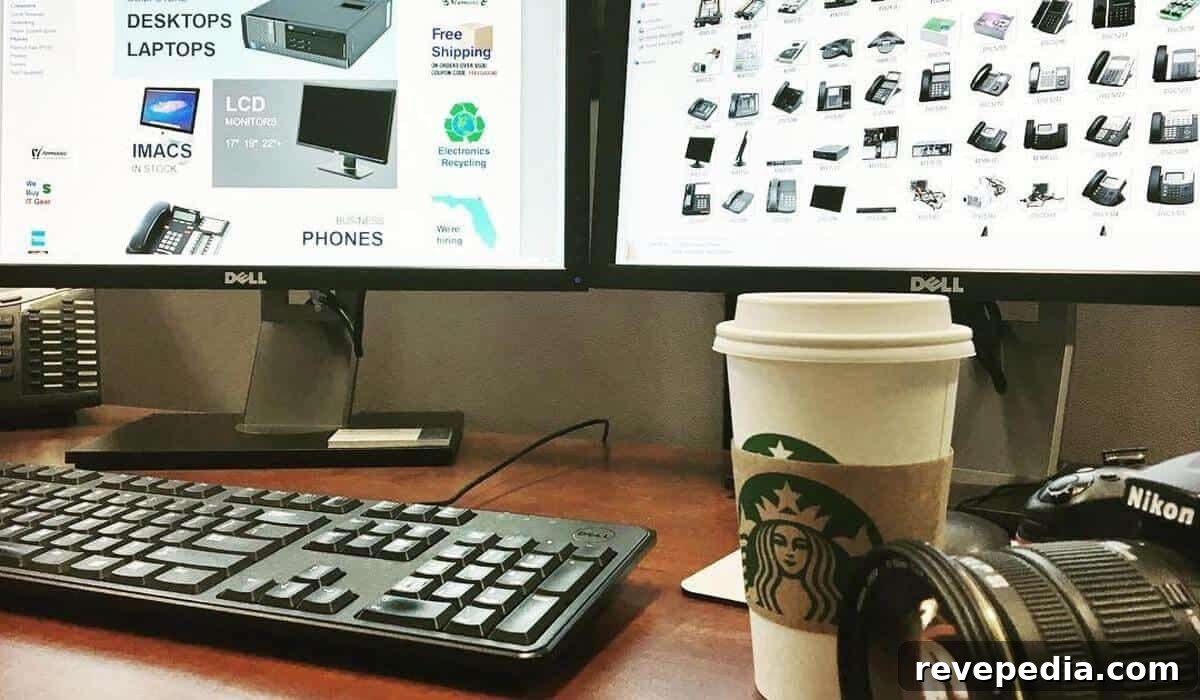
Creating a high-performance home office does not require a full renovation or an enormous budget. Many productivity bottlenecks arise from poor ergonomics and inefficient organization rather than a lack of high-end hardware.
With targeted, cost-effective changes you can turn a makeshift workspace into a professional environment that supports sustained focus and better output.
Optimizing your workspace is more than cosmetics; it means choosing smart, high-impact tools and small upgrades that protect your health and streamline your workflow. These intentional improvements let your work area support productivity without draining your finances.
Read on for practical, budget-friendly strategies to transform your workspace into a productive, comfortable hub.
1. Clear and Zone Your Command Center
Start by decluttering: recycle unneeded paperwork, return stray coffee mugs to the kitchen, and assess your electronics. Remove or repurpose devices you haven’t used in years and evaluate whether your core computer still meets your needs.
Once cleared, create distinct zones to maintain order. Keep a primary work surface dedicated to your keyboard, mouse and current tasks; maintain a separate shelf or area for peripherals such as printers and speakers; and set up a drop tray or small bowl for personal items like keys and wallets to prevent random clutter accumulation.
Visual clutter competes with cognitive resources, so a tidy desk will immediately help you focus and think more clearly.
2. Improve Lighting for Comfort and Focus
Harsh overhead lighting creates glare and eye strain. Aim for task lighting near 500 lux and choose an adjustable LED desk lamp that provides consistent color rendering to reduce visual fatigue. Position lighting to avoid reflections on screens and use adjustable brightness and color temperature to match the time of day—cooler light for daytime alertness, warmer tones for evening work.
Consider bias lighting behind monitors (an LED strip) to reduce contrast between screen and background, which eases eye strain and improves perceived image quality.
3. Tame the Cable Kraken
Unplug everything, label each cord, and reorganize. Bundle cables with Velcro ties, route them through under-desk channels or raceways, and secure power strips to the desk or wall with removable adhesive mounts. Keep surge protectors off carpets and avoid daisy-chaining extension cords to reduce fire risk.
Photograph your setup before and after to see the improvement and simplify future maintenance.
4. Dial In Ergonomics for All-Day Comfort
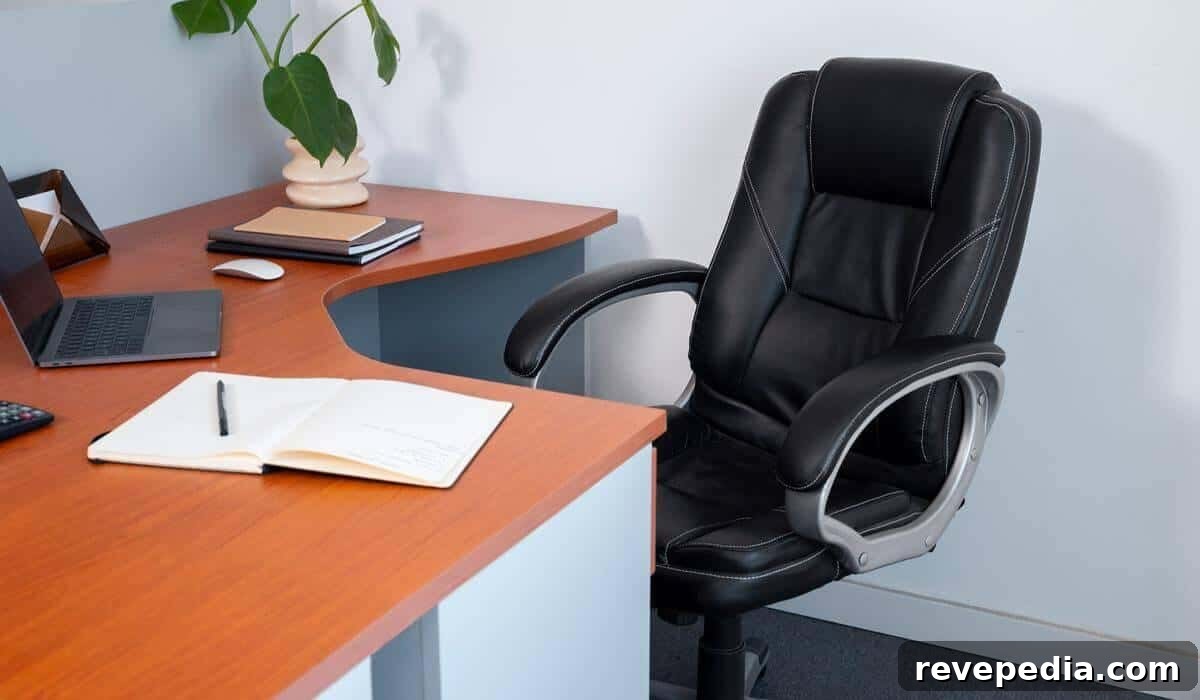
Good ergonomics are essential for long-term health and consistent productivity. Adjust your chair so your elbows form a roughly 90-degree angle and your feet rest flat on the floor. Use lumbar support if your chair lacks natural lower-back contouring. Position your monitor so the top of the screen is at or slightly below eye level and about an arm’s length away.
Ergonomic improvements deliver measurable benefits: interventions like proper monitor height, keyboard placement, and supportive seating significantly reduce neck and upper-limb strain. If you use a laptop, add a stand and external keyboard to maintain a healthy viewing angle.
| Key Insight: Visual clutter and poor lighting aren’t just aesthetic problems; they increase cognitive load. Clearing your physical space and optimizing light frees up mental capacity for deep work and creative problem-solving. |
5. Expand Your Visual Workspace
Using two monitors or a widescreen display can greatly improve efficiency for tasks like spreadsheets, coding, or design. Before purchasing, measure desk depth—aim for around 20 inches of clearance for comfortable viewing distance. If space or budget is limited, consider a second hand monitor, a compact portable USB-C display, or a monitor arm to lift screens and free desk surface area.
Choose options that fit your workflow: a single larger monitor, dual matched screens, or a combination that balances visibility and desk space.
6. Boost Computing Power Without Overspending
Frequent freezing tabs and dropped video calls often point to processor or memory bottlenecks. Rather than buying a brand-new machine, consider refurbished business-class desktops or laptops that offer solid performance at a much lower cost. Look for a practical configuration such as a quad-core CPU and around 16 GB of RAM to handle everyday multitasking and conferencing smoothly.
Refurbished units can deliver reliable performance and long-term value while keeping your upgrade costs reasonable.
7. Strengthen Connectivity and Storage
Your network and storage setup should match your workflow. Upgrade routers older than Wi‑Fi 5 to improve stability for video calls and large file transfers. Use essential security tools—such as a password manager and a VPN—to protect sensitive client or work data on home networks.
For data redundancy, pair a fast external SSD with cloud synchronization to ensure backups and easy access across devices. A multi-port hub that consolidates USB-C, HDMI and Ethernet connections can reduce dongle clutter and make connecting peripherals simpler.
8. Add Personal and Wellness Elements

Finish your workspace reset with touches that support mental well-being. Add a low-maintenance plant like a snake plant or succulent to improve the room’s mood and air quality. Install a small whiteboard or cork strip to capture ideas quickly without paper clutter. A compact Bluetooth speaker can provide ambient music to enhance focus when appropriate.
Consider small routines—stretch breaks, a standing interval each hour, or scheduled deep-work blocks—to preserve energy and sustain productivity throughout the day.
Your Next Steps
In a single weekend you can transform a cluttered, slow home office into a high-performance workspace that supports deep work. Prioritize ergonomics, lighting, and organization first—these provide the greatest returns for health and productivity. Combine low-cost hardware upgrades and smart storage solutions to create an efficient, comfortable environment that helps you work better and feel better.
| Author Profile: PCLiquidations specializes in refurbished technology that provides cost-effective performance for businesses, schools, government organizations, and home users. |