
Upgrading your garage door can provide both aesthetic and financial benefits, and with so many new designs and materials on the market, choosing the right door is easier than ever. While big-box stores like Home Depot are convenient starting points, visiting a dedicated garage door showroom can offer a more specialized experience. Clopay dealer showrooms, for example, staff salespeople who focus exclusively on garage door design, construction, and function, ensuring a smoother installation process and answers to all your questions.
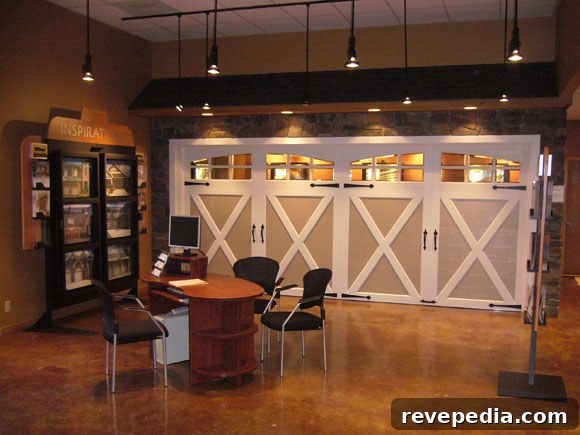
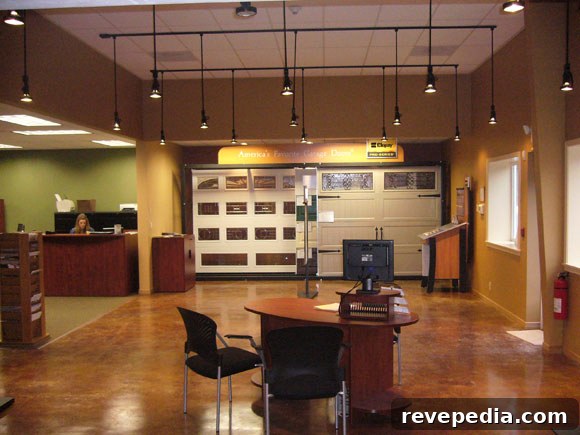
A major advantage of visiting a Clopay showroom is being able to see the full lineup of garage door styles in person—often at full scale. Showrooms typically display color and material swatches and can help you select a door that complements your home’s architecture and curb appeal. Their trained staff can advise on fit, finish, insulation, and durability so you make an informed choice.
Before your visit, bring a photo of your house that clearly shows the garage opening. A photo helps both you and the salesperson determine the right door size, style, and proportion for your home. If you don’t have a nearby showroom or prefer shopping online, Clopay offers a digital Door Imagination System that streamlines the design process by letting you “try on” different garage doors using a photo of your home.
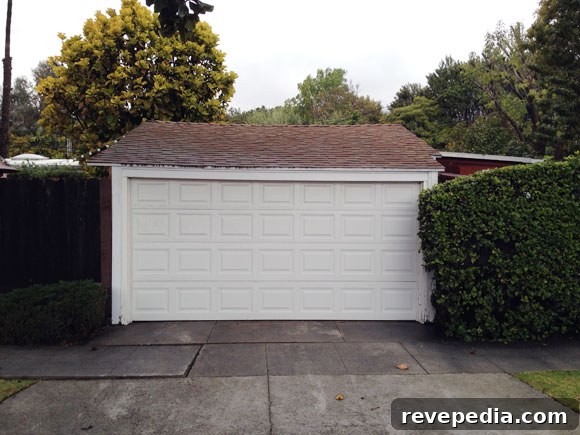
The Door Imagination System supports more than 1,000 designs across materials such as wood, steel, aluminum, composite, and glass. It’s straightforward to use: upload a photo of your garage (or choose from pre-loaded home images), enter the opening dimensions and location, and then explore door styles that fit your specifications.
After uploading your photo, you can specify the door type and narrow options by collections and styles. The interface walks you through each choice so you can preview how different designs will look on your home.
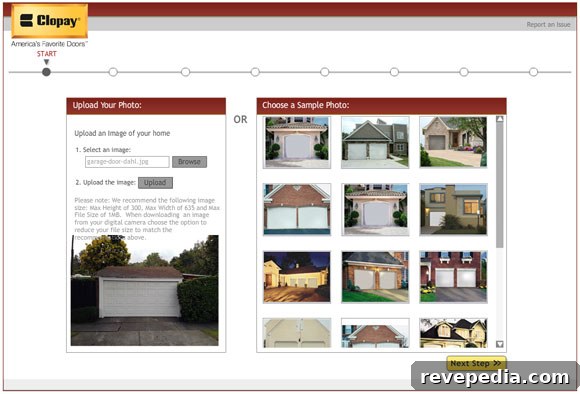
Once you enter the dimensions and select the door family, the system shows door types that will fit your opening. This guided approach avoids guesswork and helps ensure the door you choose is appropriate for your garage’s configuration.
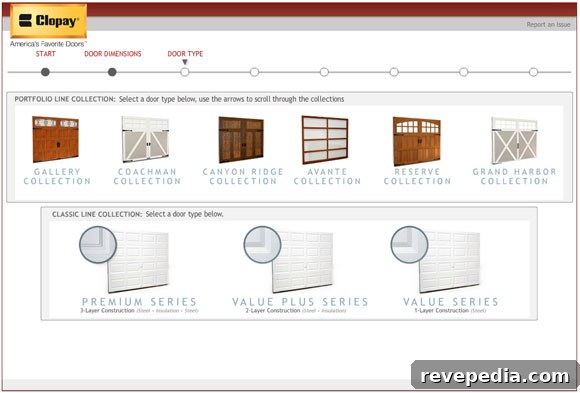
For this example we selected a model from the Reserve Collection. The Reserve series offers authentic wood options including redwood, cedar, and two hemlock choices—each with multiple stain options to match your home’s palette.
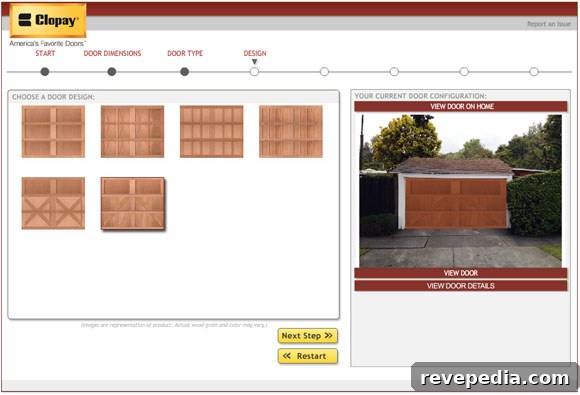
After choosing the style and construction material, the tool lets you pick window designs and hardware finishes, such as hinges and lift handles, to complete the look. These final selections allow you to fine-tune details and visualize the complete appearance before making a decision.

Selecting windows and hardware is the next step. Window shapes and placement dramatically change the door’s character, while hardware finishes add authenticity—particularly on carriage-style doors or doors meant to mimic traditional wood designs.
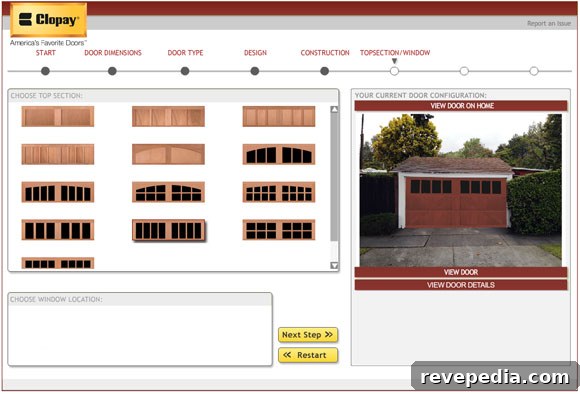
With the preview complete, you can compare versions side by side. The app allows you to go back to previous steps, restart the process, try multiple styles, and print your favorites. Taking a printed design to a Clopay dealer or authorized retailer can accelerate the in-store consultation and ordering process.
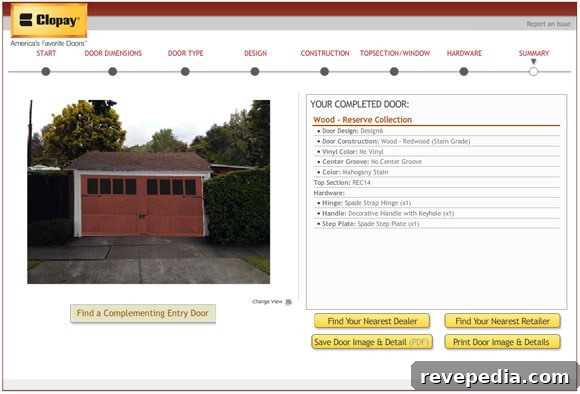
In our example, replacing a plain white steel door with a cedar Reserve Collection door produced a much warmer, more cohesive look that complements the home. The digital preview made it easy to see how different materials and finishes influence curb appeal and overall style.
Quick tip: if the online visualization tool does not load initially, check that your browser supports the required plugins or software. In our case, updating to the latest Flash version resolved the issue and launched the application immediately. Otherwise, most modern browsers and devices should run the tool smoothly without extra effort.