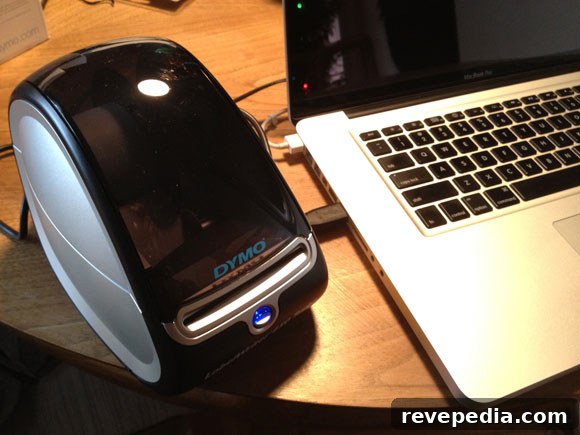
If addressing envelopes makes you avoid sending holiday cards, consider the Dymo LabelWriter 450 Turbo. This compact label printer is simple to set up and use, and it can print postage directly on labels—saving you a trip to the post office.
We had the LabelWriter up and running in about five minutes. The package includes a blank label roll and a postage roll so you can start printing immediately. The software installs quickly and integrates with your computer’s address book, letting you select contacts and print labels with just a few clicks.
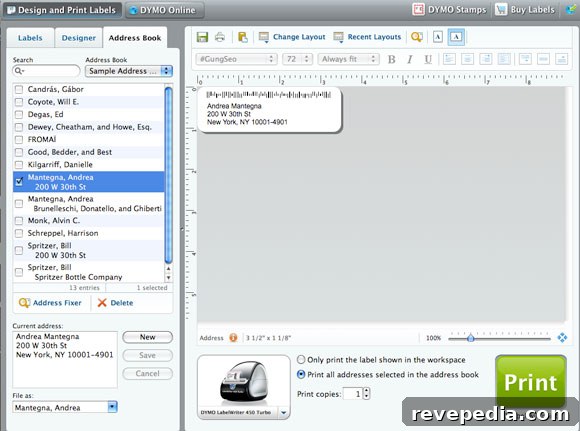
Using the LabelWriter also gives your mail a more professional look—especially helpful if your handwriting makes addresses hard to read. Neat printed labels ensure your correspondence looks polished and avoids any confusion for recipients.
Beyond holiday cards, the LabelWriter is great for home organization. We used it to label baby items and storage bins. Creating durable, clear labels is quick and easy, which makes it simple to keep closets, drawers, and storage areas organized.
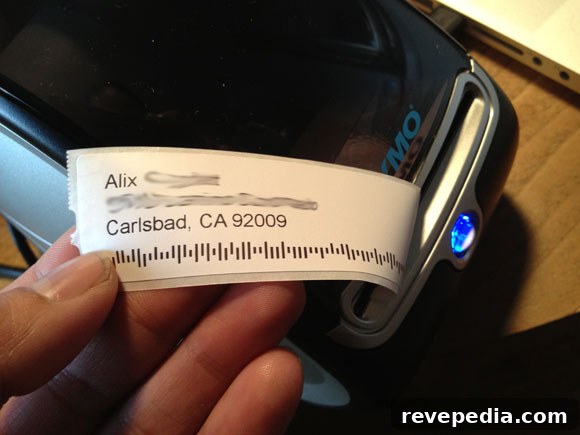
The LabelWriter 450 Turbo is a practical tool for anyone who wants to save time and maintain a tidy, professional appearance for mail and household organization. It’s fast to set up, straightforward to operate, and versatile enough for seasonal mailings, postage printing, and everyday labeling tasks.