

Large-scale construction projects require precise coordination, and the scheduling platforms in this guide are built to meet that demand. Whether you need to manage multiple subcontractors, track shifting timelines, or align field crews with office teams, these tools are designed for the complexity of commercial projects, large developments, and enterprise-level construction.
These platforms are also relevant to residential work. Custom home builds, multi-home developments, and extensive whole-house renovations present many of the same scheduling challenges: multiple trades, material deliveries, inspections, and tight deadlines must all stay in sync.
While many homeowners won’t need enterprise-grade software, residential builders, remodelers, and homeowners acting as their own general contractor on substantial projects can benefit from understanding the tools professionals use. After reviewing solutions used across commercial, civil, and residential construction, this guide highlights five scheduling platforms worth considering.
The vetting process for this list
Each platform was assessed using publicly available information from official product pages, user reviews, case studies, and software directories. Only platforms with demonstrated track records in construction management were included.
- Planera – Best for construction project scheduling and planning
- Autodesk Construction Cloud – Best for general contractors, specialty contractors, and project owners
- Procore – Best for construction management for enterprises and large contractors
- monday.com – Best for team collaboration and customizable project management
- Wrike – Best for enterprise project management and cross-functional collaboration
The Difference the Right Construction Scheduling Platform Makes
Choosing a scheduling platform is more than a software decision; it influences how the entire project runs from kickoff to closeout. Managing complex dependencies across trades and subcontractors is difficult, and the wrong tool can turn coordination into a daily crisis. The right platform prevents minor disruptions—late material deliveries, weather delays, or a missed inspection—from cascading into multi-week setbacks.
Construction-specific platforms differ from general project tools because they are designed to match how field crews report progress and how project teams manage dependencies, resource loading, and risk. That alignment between field and office is critical: the best platforms narrow the gap between planned and actual completion, keep critical-path delays from cascading, and maintain schedule performance over time.
The 5 Best Construction Scheduling Platforms: Quick Comparison
Note: data below is compiled from vendor materials and independent review sources.
| Company Name | Established | Team Size | Headquartered In |
| Planera | 2021 | 49 | – |
| Autodesk Construction Cloud | 2019 | – | San Francisco, California |
| Procore | 2002 | 4,421 | Carpinteria, California |
| monday.com | 2012 | 2,508 | Tel Aviv, Israel |
| Wrike | 2006 | 1,000+ | San Jose, California |
- Planera – Best for Construction Project Scheduling and Planning
Core offering
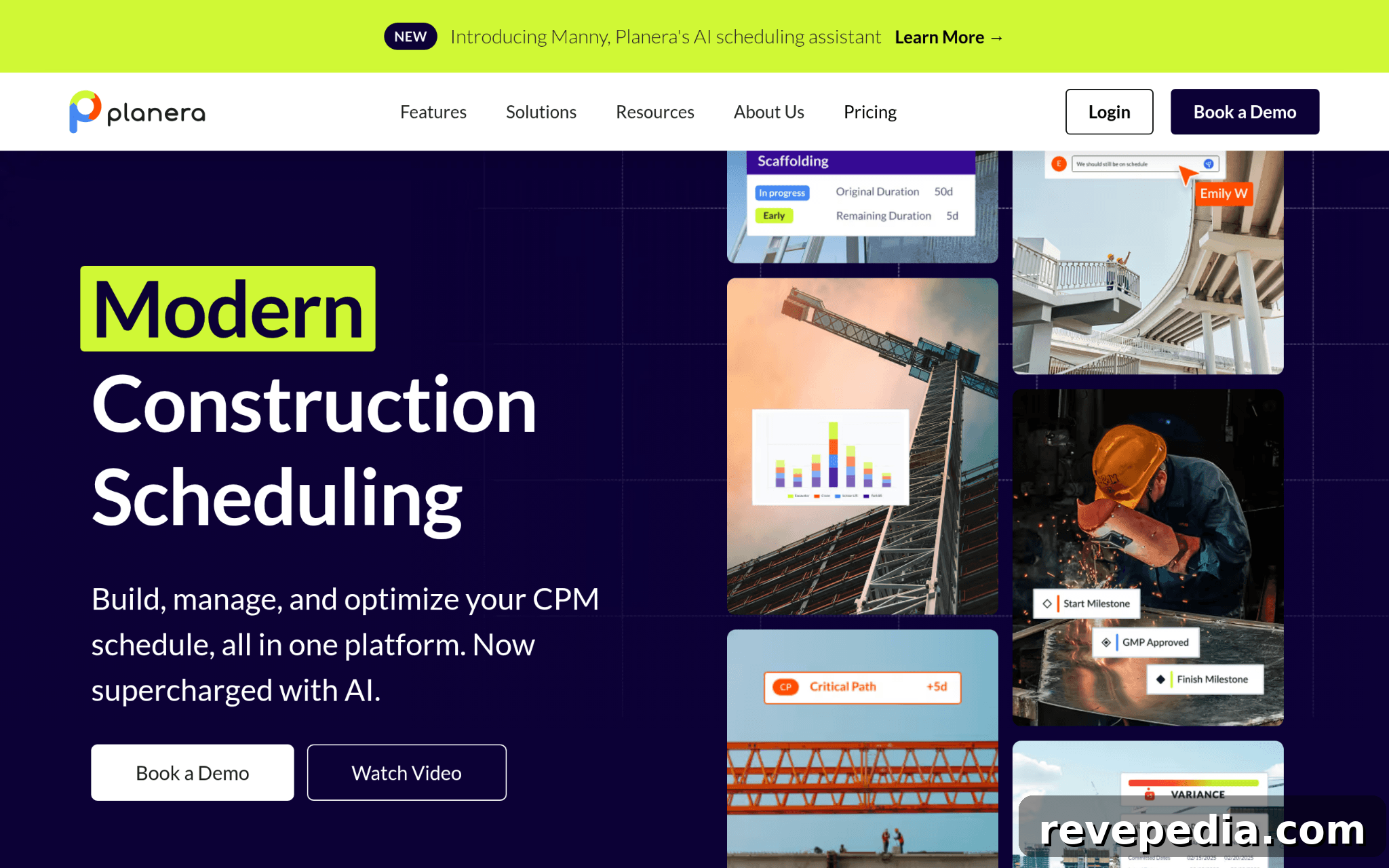
Planera is a collaborative online whiteboard for CPM scheduling that helps teams create resource-loaded and cost-loaded schedules without requiring a dedicated scheduler. It links field and office teams through a shared, real-time plan and integrates with common tools such as Procore, Autodesk, Primavera P6, and Microsoft Project to fit existing workflows.
Why it stands out
Planera minimizes wasted time from unsynced schedule versions by keeping everyone on one live plan. Despite being a newer entrant, its adoption by notable contractors demonstrates the platform’s practical value for fast CPM scheduling and stronger field-to-office collaboration.
From user feedback
Users praise the speed of building CPM schedules and the clarity gained from real-time collaboration. The platform’s intuitive interface and live updates make it easier for crews and managers to stay aligned.
- Autodesk Construction Cloud – Best for General Contractors, Specialty Contractors, and Project Owners
Core offering
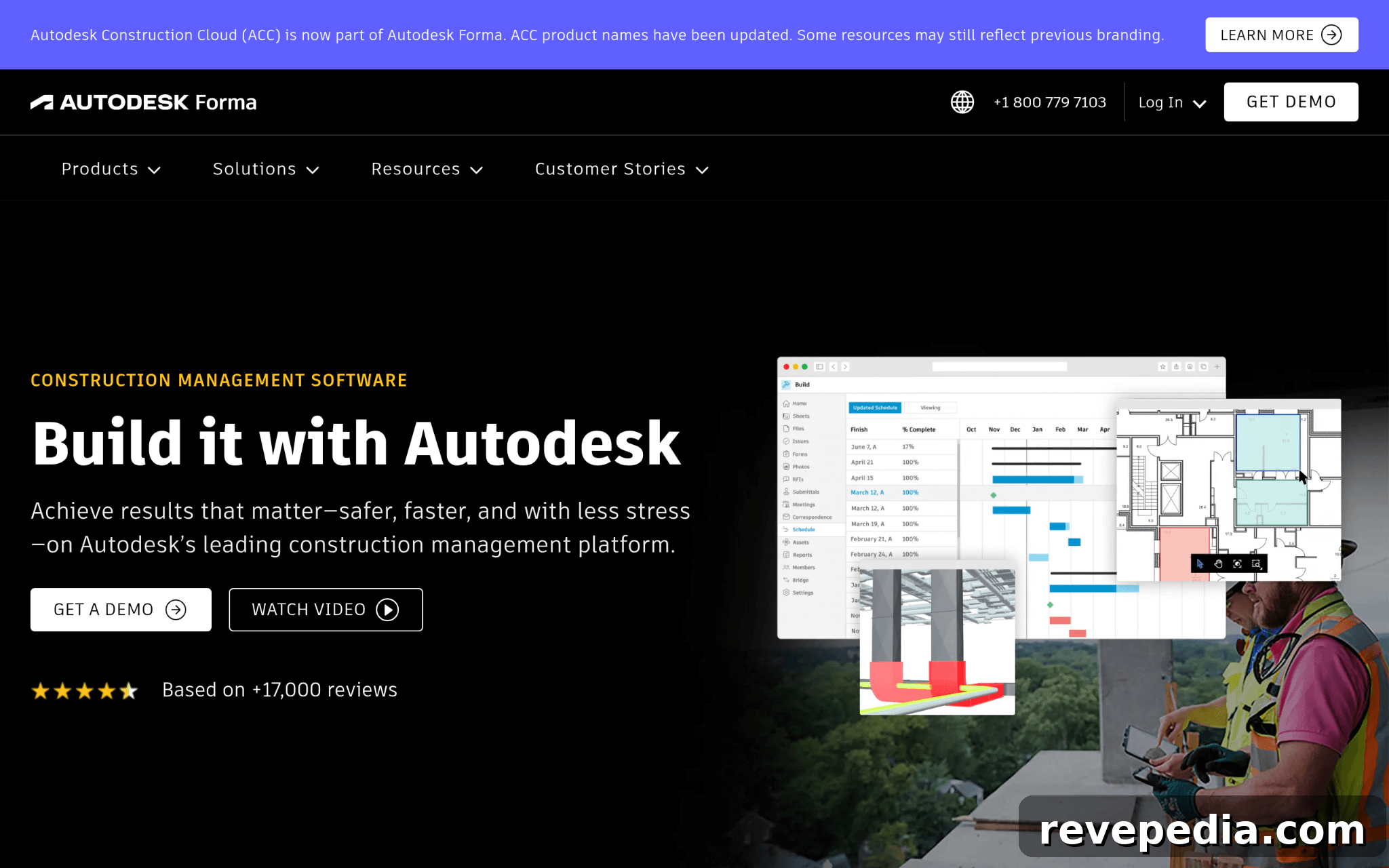
Autodesk Construction Cloud covers the full project lifecycle, from design through operations, with project management, cost control, safety tracking, and BIM capabilities. The ecosystem includes broad subcontractor reach and tools for clash detection and quantity take-off.
Why it stands out
Keeping BIM data and project workflows under one platform reduces the friction between design intent and field execution. The platform’s robust feature set supports large, multi-trade projects where design and construction must stay tightly coordinated.
From user feedback
Users highlight the platform’s extensive functionality, which is especially valuable for teams managing diverse project types. There is a learning curve for enterprise deployments, but improvements in coordination and on-time delivery are commonly reported.
- Procore – Best for Construction Management for Enterprises and Large Contractors
Core offering
Procore provides a unified construction management system covering preconstruction, project and workforce management, financials, and analytics. Its AI capabilities assist with document summarization and automating repetitive workflows.
Why it stands out
With an unlimited user model and wide integration support, Procore ensures visibility across projects and teams—an advantage for large contractors running many active jobs simultaneously.
From user feedback
Users value Procore’s financial tools and mobile functionality. The platform’s extensive usage across global projects demonstrates its scalability and reliability for enterprise construction teams.
- monday.com – Best for Team Collaboration and Custom Project Management

Core offering
monday.com is a configurable work operating system that teams adapt to their workflows. It supports work management, CRM, development, digital whiteboarding, and data collection with modular building blocks and an open API.
Why it stands out
The platform’s flexibility allows construction teams to build tailored workflows and visual boards that match project needs. This makes it a strong option for teams that require customization over an out-of-the-box construction-specific schedule engine.
From user feedback
Users appreciate how quickly teams can deploy and customize the platform. Its visual layout and workflow flexibility are often cited as helpful for subcontractor coordination and milestone tracking.
- Wrike – Best for Enterprise Project Management and Cross-Functional Collaboration
Core offering
Wrike is an enterprise project management platform with task tracking, dependencies, resource management, interactive Gantt charts, and workload views. It supports hundreds of integrations and offers AI-assisted productivity features.
Why it stands out
Wrike’s strength lies in coordinating cross-functional teams and multi-stream projects. Its Gantt and resource features scale well for organizations inheriting complex processes without restarting from scratch.
From user feedback
Enterprise users report high satisfaction with Wrike’s configurability and workload management. Construction teams typically use it as a coordination layer, often pairing it with more specialized CPM scheduling tools.
The Process Behind This Ranking
The ranking focuses on platforms that truly support construction scheduling at scale, not just tools that offer generic Gantt charts. The evaluation combined broad sourcing, pre-verification to remove weak candidates, and verification against real-world use and user feedback.
Information collected
Sources included software directories, construction technology publications, case studies, feature documentation, and user reviews. Platforms that consistently appeared across these sources were evaluated further.
Verification steps
Claims were cross-referenced with case studies and user reviews to confirm field-to-office collaboration, resource loading, and scheduling capabilities. Platforms showing alignment between vendor claims and real-world results received higher ratings.
Authority markers
Industry recognition, awards, published research, and strong client relationships were considered as indicators of credibility and sustained performance.
Construction scheduling proof points
Final checks focused on construction relevance: dedicated scheduling features, verified case studies, and reviews from users managing multi-trade, multi-phase projects determined inclusion on this list.
How to Pick Your Best Match
Selecting the right platform depends on your project needs and team structure. Key factors to weigh:
- Industry experience: Prefer platforms with a track record in construction workflows and CPM logic.
- Features and capabilities: Ensure the tool supports real-time collaboration, resource loading, BIM compatibility, or Gantt tracking as required.
- Pricing structure: Match the pricing model—per seat, project-based, or unlimited users—to team size and access needs.
- Results measurement: Look for visibility into schedule performance index, look-ahead accuracy, and planned vs. actual completion.
- Compliance and industry knowledge: Favor tools that account for OSHA standards, contract types, and local code requirements.
Looking for a Scheduling Tool for a Home Renovation?
The platforms above are designed for professional contractors on large, complex projects. For many residential renovations, that level of functionality is unnecessary. Homeowners and small contractors may prefer simpler options with lower complexity and cost.
Consider these homeowner- and small-contractor-friendly alternatives:
- monday.com: Flexible and customizable for renovation timelines, contractor schedules, budgets, and punch lists.
- Buildertrend: Built specifically for residential builders and remodelers with scheduling, budgeting, and client communication tools.
- Houzz Pro: Designed for residential construction and design professionals, featuring scheduling, estimates, invoicing, and document management.
- Trello: A simple Kanban-style tool useful for homeowners coordinating tasks, material purchases, and contractor milestones.
- Asana: Effective for organizing timelines, assigning tasks, and tracking progress on small to mid-sized residential projects.
For most homeowners, a straightforward project management tool is enough. Residential builders managing multiple crews and projects may benefit from construction-specific platforms like Buildertrend or CoConstruct, which balance functionality and usability without the complexity of enterprise systems.
Closing Thoughts
Construction scheduling platforms are purpose-built to solve the coordination challenges of large, multi-trade projects. For commercial contractors and large firms, these tools are often essential for keeping schedules, crews, and budgets on track. Residential builders and developers working on complex renovations can also benefit from the scheduling, collaboration, and progress-tracking capabilities these platforms provide.
Ultimately, the best platform depends on project scale, team size, and the level of coordination needed between the office and the jobsite. Choosing a solution that aligns with your workflow helps reduce delays, improve communication, and keep projects moving from planning to completion.