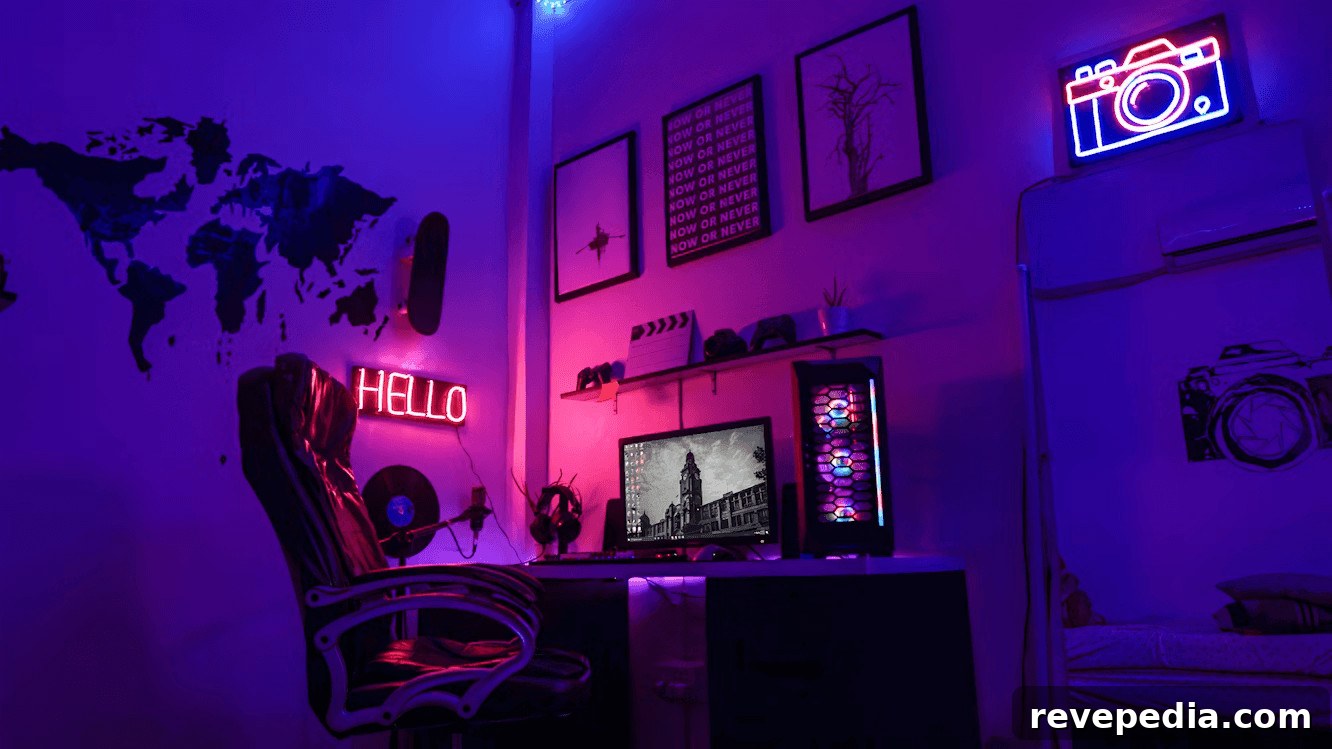
Looking to create the ideal gaming setup at home? Your setup has a major impact on your experience, so it’s worth optimizing your space for performance, comfort, and style. By prioritizing hardware, ergonomics, connectivity, lighting, and cable management, you can build a setup that enhances gameplay and delivers a truly immersive experience. Here are practical tips to help you design a superior gaming environment.
Choose Your Core Equipment
Start with the essentials: a powerful gaming PC or console, a high-resolution monitor, and reliable input devices like a keyboard and mouse suited to your play style. If you use a PC, invest in components that balance CPU and GPU performance for the titles you play. For competitive gaming, prioritize high refresh rates and low response times in a monitor. Arrange your desk so equipment sits comfortably within reach and nothing interferes with movement—this helps maintain focus during intense sessions and keeps your setup efficient.
Focus On Ergonomics
Long gaming sessions demand attention to ergonomics to protect your health and sustain performance. Choose a supportive chair with adjustable height and lumbar support, set your monitor so the top third of the screen is at eye level, and keep your keyboard and mouse at a height that allows relaxed shoulders and neutral wrists. Proper posture reduces fatigue and strain, which supports consistent reaction times and longer comfortable play periods.
Improve Your Connection & Security
Latency and instability can ruin online play, so aim for a fast, stable internet connection. When possible, connect your gaming PC or console via wired Ethernet for lower ping and fewer dropouts. Also consider your security: protecting your network and accounts prevents interruptions and safeguards personal data. Use secure credentials, keep software updated, and consider privacy tools when accessing international game servers to maintain consistent access and performance.
Consider Lighting & Cable Organization
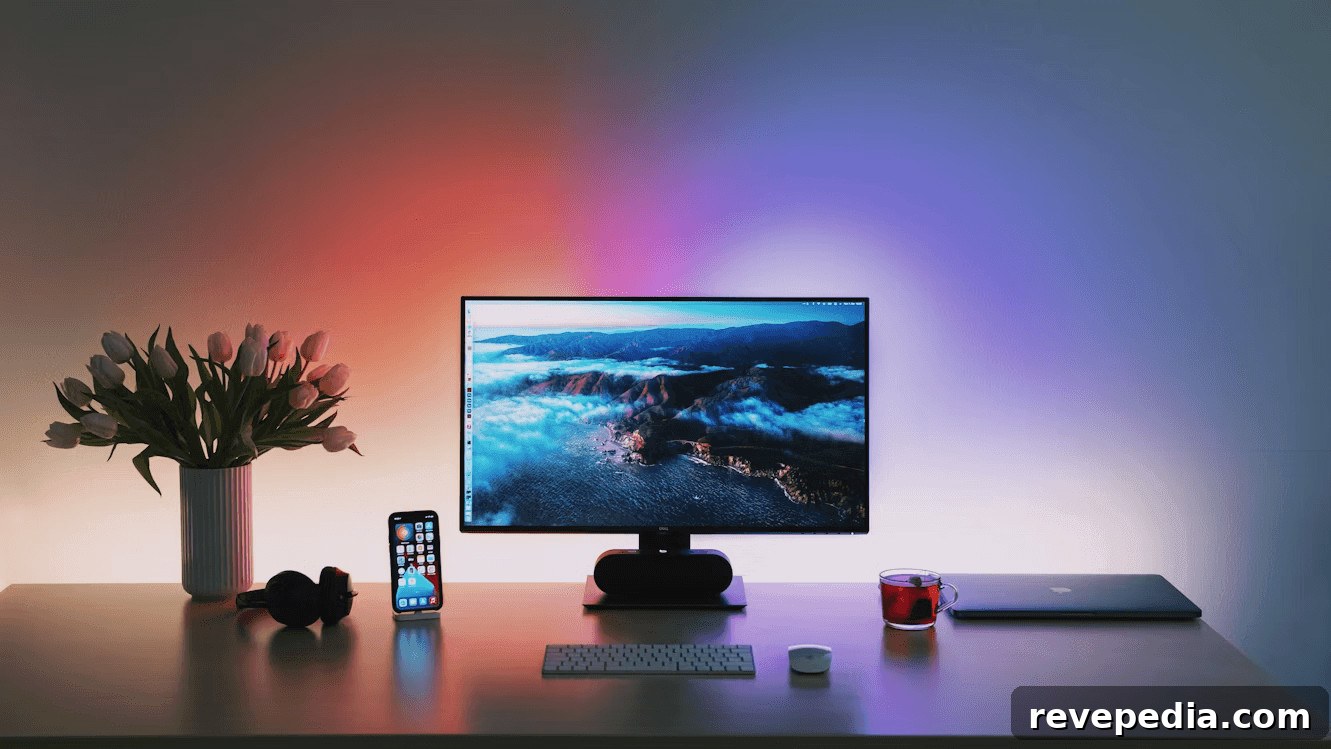
Thoughtful lighting improves ambiance, reduces eye strain, and helps you stay focused. Soft ambient LEDs behind screens or along desks cut down on glare and provide mood lighting without wasting energy. Meanwhile, tidy cables eliminate clutter, improve airflow around devices, and reduce trip hazards. Use cable channels, ties, or a dedicated management tray to route power and data lines neatly—this keeps the area clean and helps devices run cooler and last longer.
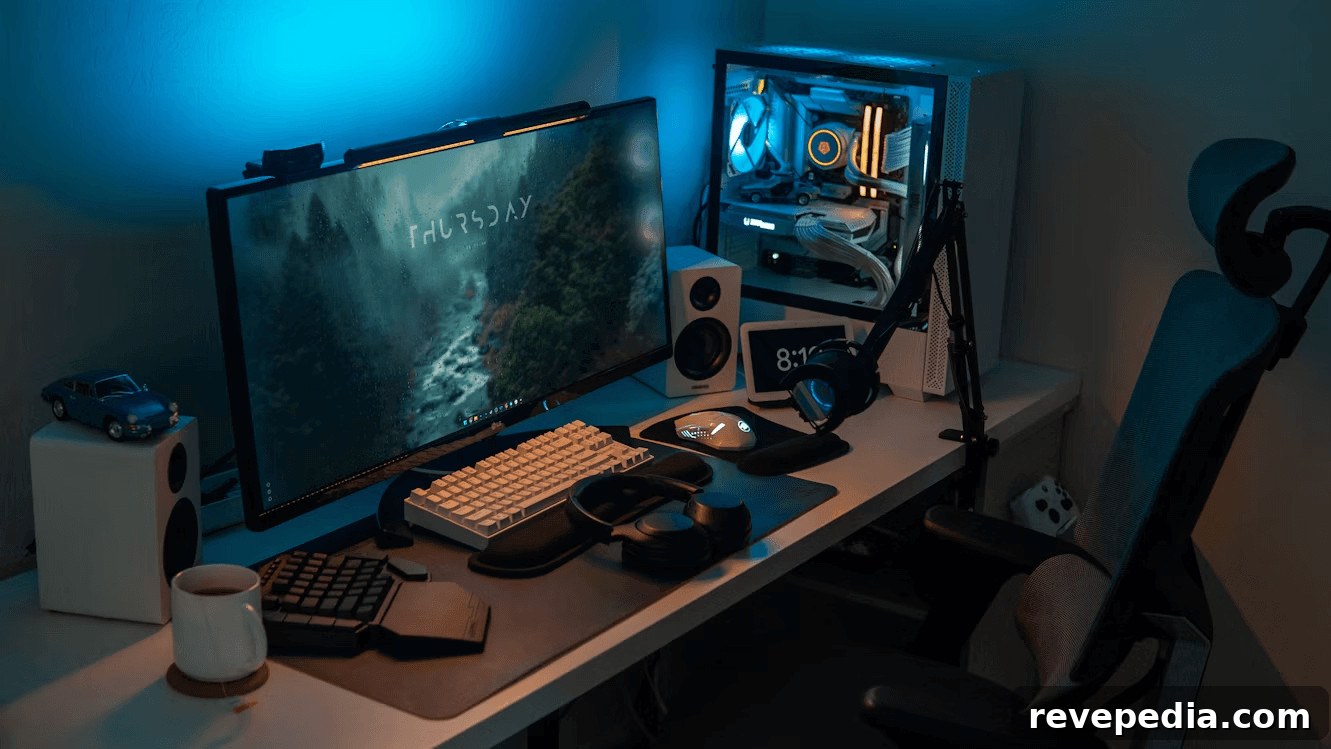
By concentrating on these core areas—hardware selection, ergonomic setup, strong connectivity and security, effective lighting, and organized cabling—you’ll create a gaming space that not only looks great but supports better performance and comfort. A well-planned setup enhances immersion and makes every session more enjoyable, whether you’re competing, streaming, or relaxing with a favorite game.