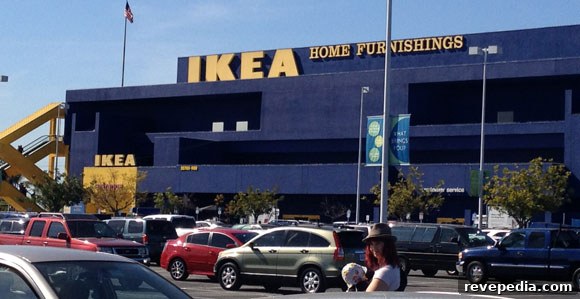
Shopping at IKEA can be a love-hate experience: their designs are stylish and prices are hard to beat, but sometimes the furniture feels less sturdy than expected and the shopping trip can turn into a long, tiring task.
It isn’t necessarily IKEA’s fault—its popularity means crowded aisles, long waits for staff to bring out products, and the challenge of navigating a very large store. With a few practical strategies, though, you can make your next trip faster, smoother, and more productive.
Here are seven useful tips for shopping at IKEA that will help you get in, get what you need, and get out with less stress.
1. Shop During Off Hours
Weekends are always busy. If possible, shop on a weekday when traffic is lighter. If you have no choice but to visit on a weekend, arrive as soon as the store opens—many IKEA locations open at 10:00 a.m.—to avoid the worst of the crowds.
2. Use the Website First
Unless you enjoy wandering every aisle, start your trip by browsing IKEA’s website. Make a list of the items you want, confirm availability at your local store, and then head there with a clear plan. This saves time and reduces impulse purchases.
3. Enter Through the Pickup/Exit Area
Rather than following the store’s full maze-like route, enter through the pickup or exit area and work your way backward if you’re after household goods or single items. This approach lets you skip many staged rooms and reach essentials faster.
4. Use Self-Checkout
If you have 15 items or fewer, use the self-checkout lanes. They’re usually quicker and more efficient than the main checkout lines. Many shoppers avoid them unnecessarily—don’t be one of them.
5. Pay for Large Items First
When the store is busy, it can take a while for large items to be retrieved and brought to the pickup area after payment. Pay for bulky pieces first, then continue shopping for smaller items you can carry. By the time you finish, your larger item is often ready for pickup.
6. Use the Shopping Lists in Store
IKEA provides paper shopping lists and pencils throughout the store. Use them to track what you need and mark down product locations—this simple tool helps prevent forgotten items and duplicate trips.
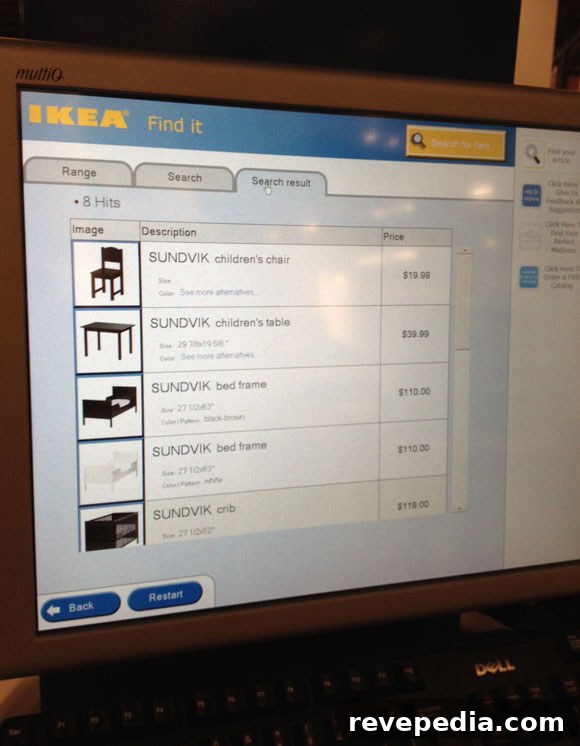
7. Use the Computer Kiosks
In-store computer kiosks show current inventory and the exact location of items on the warehouse shelves. Use these to find specific products quickly instead of searching aisle by aisle.
With these tips—shop off-peak, plan online, enter through pickup, use self-checkout, prioritize large purchases, take advantage of store lists, and consult kiosks—you’ll shave time off your trip and reduce frustration. What tips do you use to make IKEA shopping easier?