

Knowing where family members are can provide real peace of mind—especially once children travel to school on their own or teens begin driving. GPS location-sharing apps make it simple to confirm whereabouts, receive arrival alerts, and stay connected throughout the day.
Not all location apps work the same. Some emphasize straightforward location sharing, while others add driving reports, parental controls, or tools for locating lost devices. When choosing an app, consider battery impact, privacy protections, and whether it supports the phones your family uses.
Below is a comparison of three familiar options—iSharing, mSpy, and Apple Find My—so you can match the app’s features and limitations to your household’s needs.
How This Comparison Was Compiled
This guide is based on publicly available product documentation, app store feedback, and independent reporting. We focused on core capabilities such as live location sharing, arrival and departure alerts, device compatibility, subscription models, and privacy considerations.
Because these tools serve different goals, the recommendations are geared toward which app best fits particular use cases rather than declaring an absolute winner across all categories.
- iSharing – Best for family location tracking and monitoring teenage drivers
- mSpy – Best for parents seeking detailed device monitoring
- Apple Find My – Best for locating Apple devices and sharing locations within the Apple ecosystem
Why GPS Location-Sharing Apps Deserve Thoughtful Selection
A location-sharing app is useful for everyday situations: confirming when a child gets home from school, tracking a family member traveling to an appointment, or receiving a safe-arrival notification without calling.
Many apps also support geofencing or place alerts that notify you when someone enters or leaves a preset location, so you don’t need to keep checking the map.
Key considerations:
Battery life: Frequent updates can drain older phones faster. Background location settings and signal strength also influence battery consumption.
Location accuracy: GPS performs best outdoors; tall buildings, underground parking, or indoor spaces can reduce accuracy.
Privacy: Everyone using location sharing should understand what data is shared, who can view it, and how long it’s retained. Parents should set age-appropriate boundaries when monitoring children.
Compatibility: Some services run across iPhone and Android, while others are optimized for a single ecosystem. Choose the app that fits your family’s device mix.
Comparing the Three Top GPS Location-Sharing Apps
| App | Best For | Pricing Model |
| iSharing | Family location sharing with teen driving features | Free plan with paid upgrades |
| mSpy | Detailed parental monitoring | Paid subscription |
| Apple Find My | Apple device location sharing and item finding | Included with compatible Apple devices |
Before downloading, verify which phones your family uses. iSharing supports both iPhone and Android, Apple Find My is built for Apple devices, and mSpy’s available features and installation steps vary by operating system. If your household only needs simple arrival alerts, a lighter app may be the best fit.
iSharing – Best for Family Location Tracking and Teenage Driver Monitoring
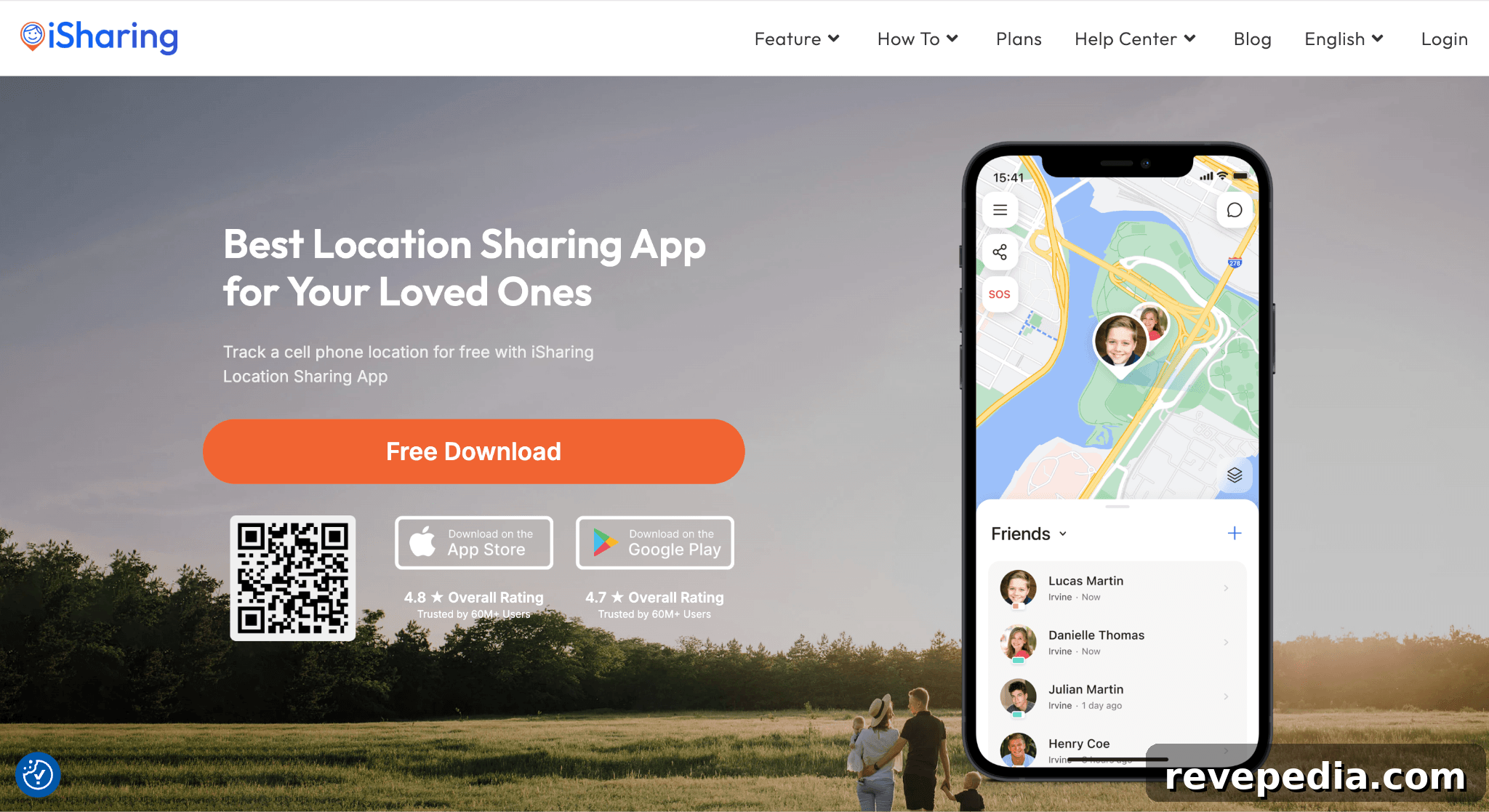
Family Location Sharing, Alerts, and Driving Insights
iSharing is designed for families and close groups. It provides live location sharing, place alerts for locations such as home and school, emergency panic alerts, and driving reports that summarize speed and sudden braking events.
Main features:
- Live location sharing: View shared positions on a map in real time.
- Place alerts: Get notified when someone arrives or leaves predefined locations.
- Panic alerts: Quickly notify selected contacts in an emergency.
- Driving reports: Monitor trip metrics like speed and abrupt stops.
- Location history: Access past location data depending on subscription level.
A free tier covers basic sharing, a standard emergency alert, and one place alert. Paid tiers unlock driving alerts, extended history, and expanded family-safety tools.
Why Families Often Choose iSharing
iSharing’s place alerts are convenient for busy households: parents receive notifications when a child reaches school or arrives home without repeatedly opening the app. The driving reports can serve as conversation starters about safe driving habits for teen drivers.
Cross-platform support for iPhone and Android helps families that don’t all use the same phone brand, and the app’s focus on straightforward location sharing keeps setup and daily use simple.
Considerations Before Choosing iSharing
Advanced features require paid plans, so compare tiers closely if driving insights or long-term location history matter. Location accuracy and timeliness also depend on device settings—disabled permissions, poor signals, or battery-saver modes can delay updates.
mSpy – Best for Detailed Parental Monitoring
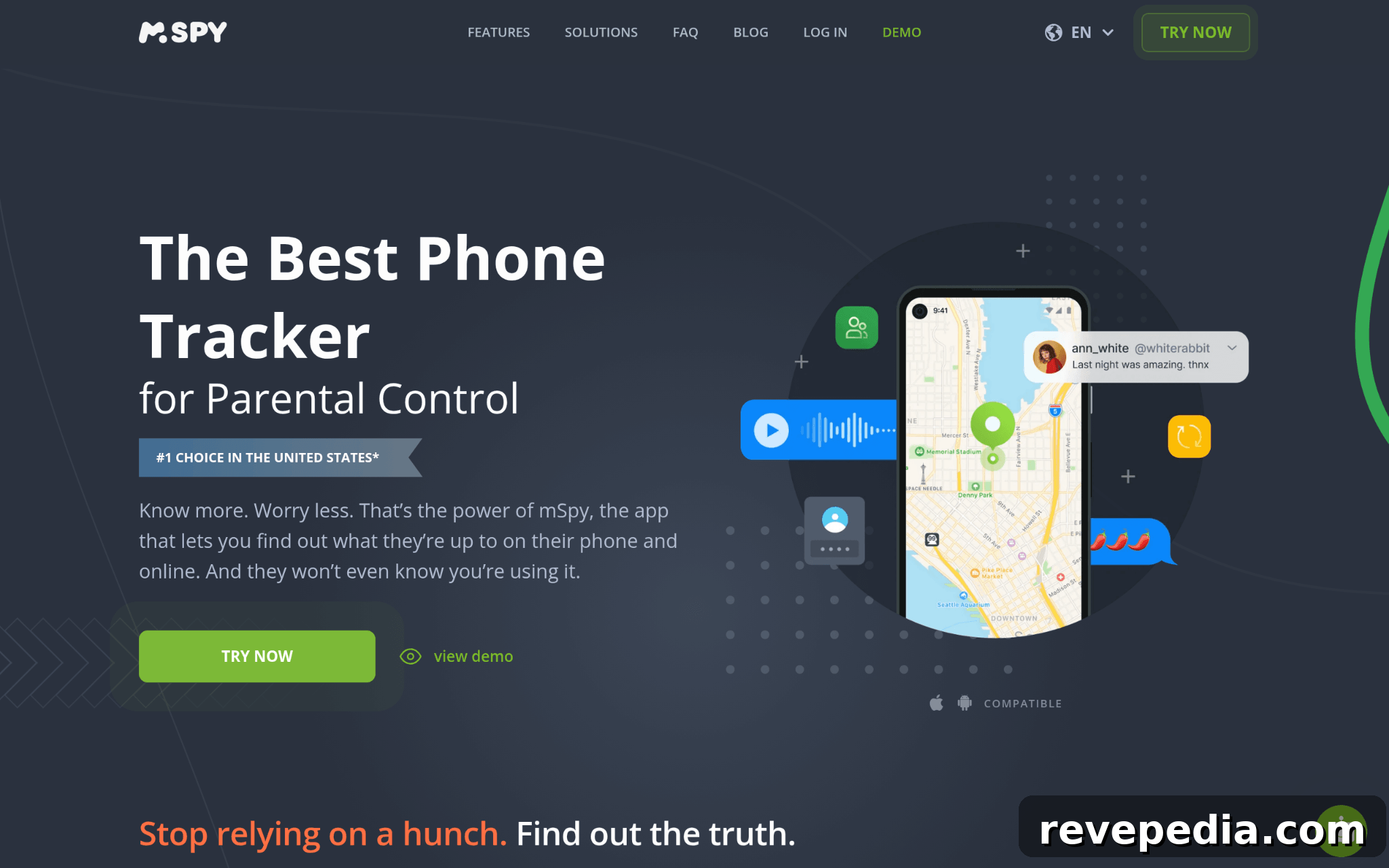
GPS Tracking plus Broader Parental Controls
mSpy offers GPS tracking alongside a suite of parental-control features designed to show device activity. Available capabilities depend on the device, operating system, subscription level, and granted permissions.
Potential features include:
- GPS tracking: View the monitored device’s location.
- Geofencing: Set boundaries and receive alerts on entry or exit, when supported.
- Browser and app activity: Monitor browsing history and selected app usage where permitted.
- Messages and contacts: Access certain communication data on compatible devices.
- Keyword alerts: Receive notifications based on monitored keywords, when available.
Some mSpy features require extra setup or device permissions, and the company notes that not every feature will work on every device. Parents should confirm compatibility before purchasing.
When mSpy Is Appropriate
mSpy can be useful for parents who want device-activity context in addition to location updates. However, it raises privacy and security questions: independent reports have documented data exposures tied to the service in past years, and those incidents are important to weigh when entrusting sensitive information.
Monitoring laws vary by jurisdiction. Tracking another adult without consent can breach privacy and employment laws; families and employers should ensure monitoring is lawful, ethical, and transparent.
Privacy, Pricing, and Limitations
mSpy operates on a paid subscription model and may demand more complex setup than a standard location app. Because monitoring tools can collect sensitive information, carefully review what data the service collects, how it stores that data, and what controls users have over it.
Apple Find My – Best for Apple Households and Finding Lost Items
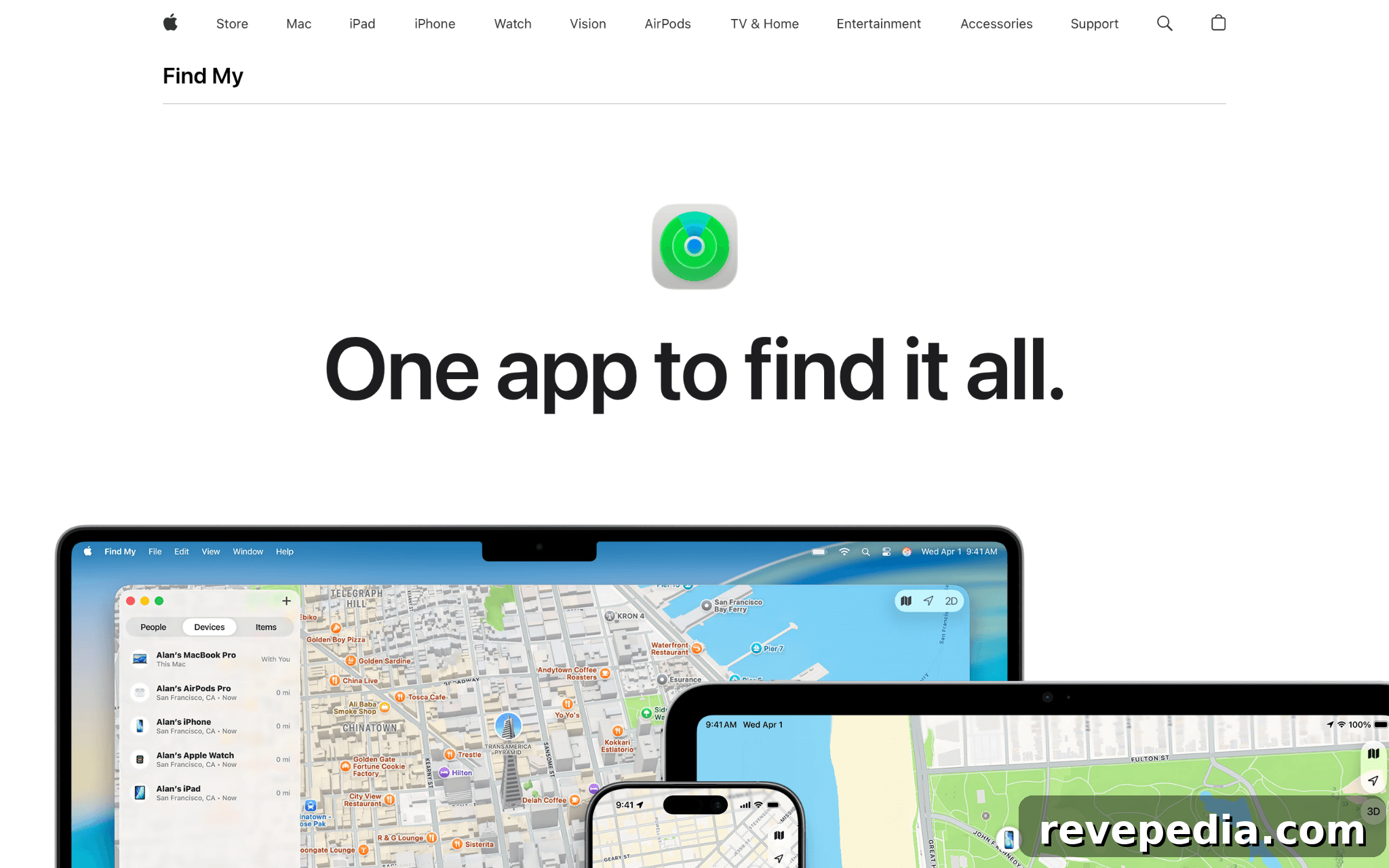
Built-in Location Sharing and Device-Finding Features
Apple Find My is integrated into Apple devices and combines people-location sharing with device and accessory locating. For families that use iPhones, it often provides the quickest start for location sharing without additional downloads or accounts.
Main features:
- People sharing: Share location with approved contacts.
- Device finding: Locate supported iPhones, iPads, Macs, and other Apple devices.
- AirTag tracking: Track personal items equipped with AirTags.
- Offline finding: Use the Find My network to locate items and devices that aren’t online.
- Unwanted tracking alerts: Receive warnings about unknown trackers traveling with you.
The Find My network uses encrypted, anonymous reporting via nearby Apple devices to help locate missing items while protecting privacy.
Why Apple Find My Works Well for Apple Users
Convenience and tight integration with iOS are Find My’s chief advantages. If everyone in the household has Apple devices, the service negates the need for a third-party app and simplifies location sharing. It also excels at helping you find misplaced items, from keys to luggage, when paired with compatible accessories.
Limitations to Consider
Compatibility is the main constraint: Find My is best suited to Apple-only households. Families with mixed iPhone and Android devices may prefer cross-platform alternatives such as iSharing or Google Maps location sharing. Additionally, Find My focuses on location sharing and item/device finding rather than offering driving reports or extensive parental-control features.
How to Pick the Right App for Your Family
Choose the app that fits who will use it, which features you’ll actually rely on, and how much complexity or cost you’re willing to accept.
Start with compatibility
Check the phones in your household. If everyone uses iPhones, Apple Find My may already meet your needs. For mixed-device homes, prioritize cross-platform solutions.
Pick only the features you’ll use
If getting arrival notifications is your main goal, a simple location-sharing app is often best. Parents who want deeper insight into device activity may consider more comprehensive monitoring tools, but weigh privacy and legal responsibilities carefully.
Compare free and paid plans
Many apps offer free basic features while reserving advanced tools for paying subscribers. Confirm what each tier includes, renewal terms, and refund policies before committing.
Test accuracy and battery impact
Try the app under normal conditions to see how quickly alerts arrive, how accurate location updates are in your area, and how much the service affects battery life—especially when phones are locked or using battery-saver settings.
Prioritize privacy and transparency
Location history reveals daily routines. Choose services with clear privacy settings, data-retention policies, and deletion options. Ensure everyone understands what is shared and how to stop sharing if needed.
Final Recommendation
The best GPS location-sharing app depends on your family’s needs: choose iSharing for simple cross-platform location sharing with teen-driving features; consider mSpy only if you require detailed device monitoring and accept its privacy and legal implications; and use Apple Find My when your household runs on Apple devices and you want built-in location and item-finding tools.
Most families benefit from prioritizing ease of use, timely alerts, and straightforward privacy controls over an overly long feature list. Start with the safety features you’ll actually use, test the app on your family’s phones, and agree on sharing boundaries before relying on a tracking app for everyday peace of mind.