Craigslist is a treasure trove for DIY enthusiasts and bargain hunters. Whether you’re hunting for a vintage dresser, affordable kitchen cabinets, or gently used children’s items, the classifieds site is full of opportunities to find great deals and repurpose items.
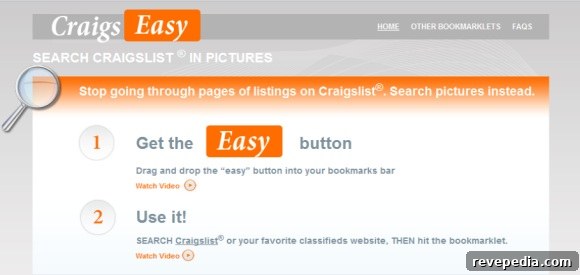
Still, even with all the advice available on how to buy and sell safely on Craigslist, navigating long lists of text links can be tedious and time-consuming. To simplify the browsing experience, a web tool called CraigsEasy offers a faster, more visual way to search classifieds.
CraigsEasy works by adding a small “easy” button to your browser toolbar. After dragging the button into the toolbar, you open Craigslist (or another classifieds site such as Kijiji or eBay Classifieds), click where you want to search, and then press the easy button. Within seconds, listings are displayed as photo thumbnails with clear titles and dates. You can click a thumbnail to open the original posting, and there’s a convenient favorites option to bookmark listings you want to revisit.
By turning long text lists into a visual gallery, CraigsEasy makes it quicker to spot items that match your needs. That said, visual browsing can be addictive—so practice a little caution and common sense before committing to a purchase.
If you’ve tried CraigsEasy or another tool that improves the Craigslist experience, please share your tips and experiences below. Your insights can help others shop smarter and more efficiently on classifieds sites.